
Customer-review posts are available on Founder and Multi-Brand. They use customer feedback as a source for social content.
Prepare the source#
- Confirm that customer reviews are publicly accessible on the brand's website or available through its supported review source.
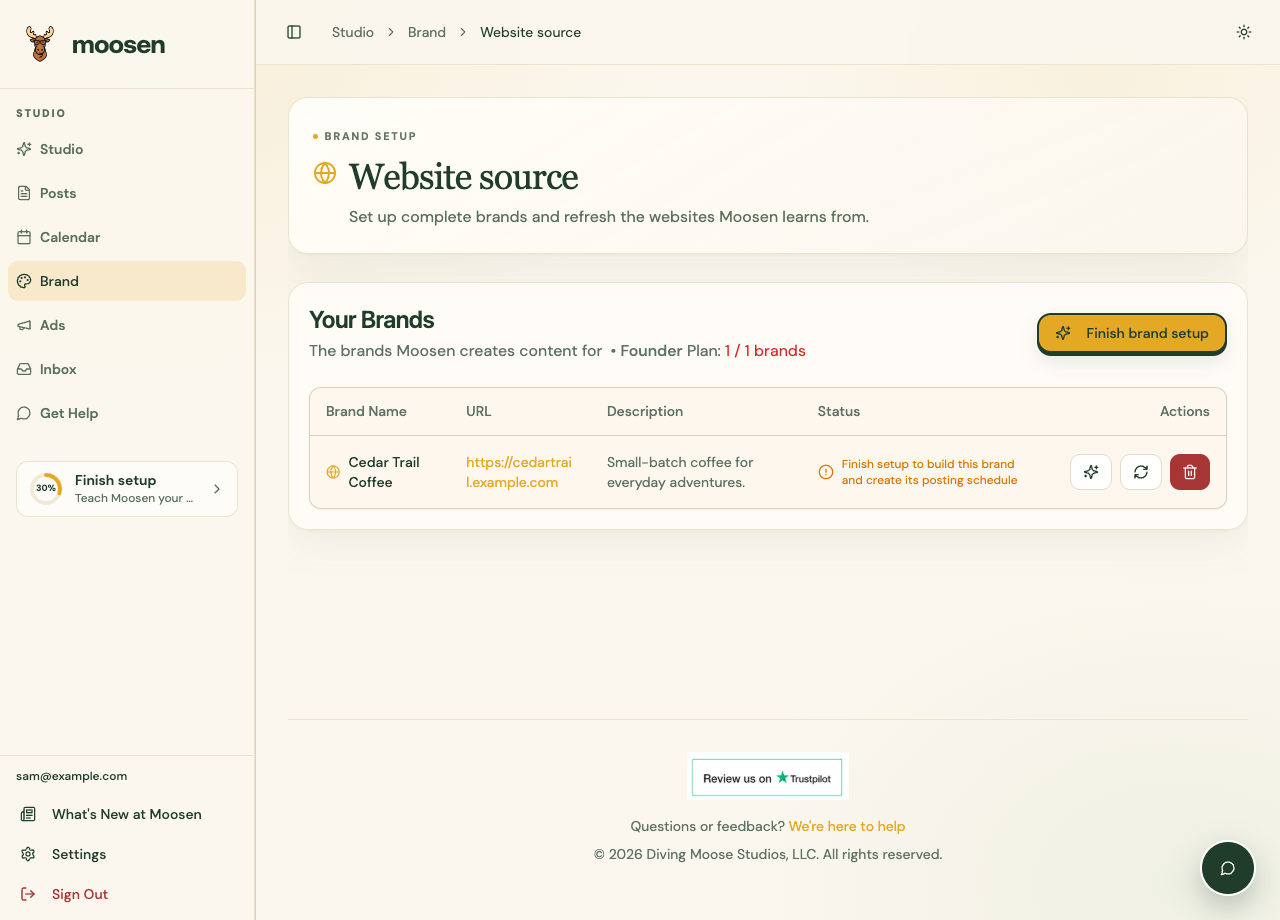
- Open Brand → Website source and refresh the website if reviews were recently added.
- Check your posting schedule and return to Studio for newly generated content.
Review the generated post#
When a review-based draft appears in Studio, compare the quotation and attribution with the real review. Check that the image is appropriate and the caption doesn't turn one customer's experience into a promise.
Use Tell Moosen what to change to correct the surrounding wording. Don't invent a customer quote or alter its meaning.
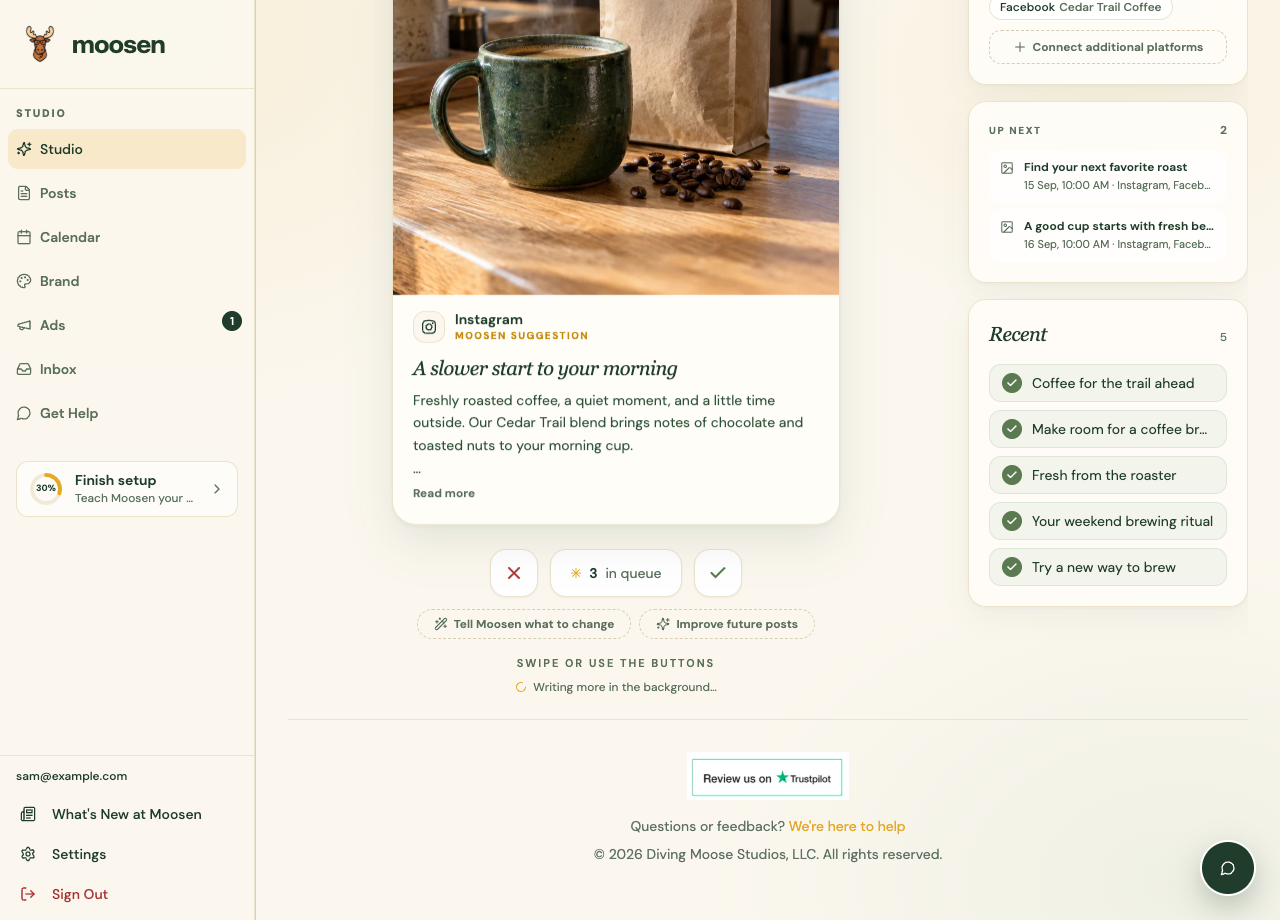 Review customer-review drafts before approving them. Sample data. Select image to enlarge.
Reply to a review instead#
Creating a social post from feedback and replying to the original review are separate actions. Use Inbox → Reviews for supported review replies. See respond to reviews.
If no review source is found, add the information to an accessible part of your website or contact support with the review source you want to use.