
Open Settings from the dashboard sidebar to manage your account.
Update your name or timezone#
- Find the Account section.
- Edit Display name or select a Timezone.
- Select Update beside the field you changed.
- Confirm the saved value.
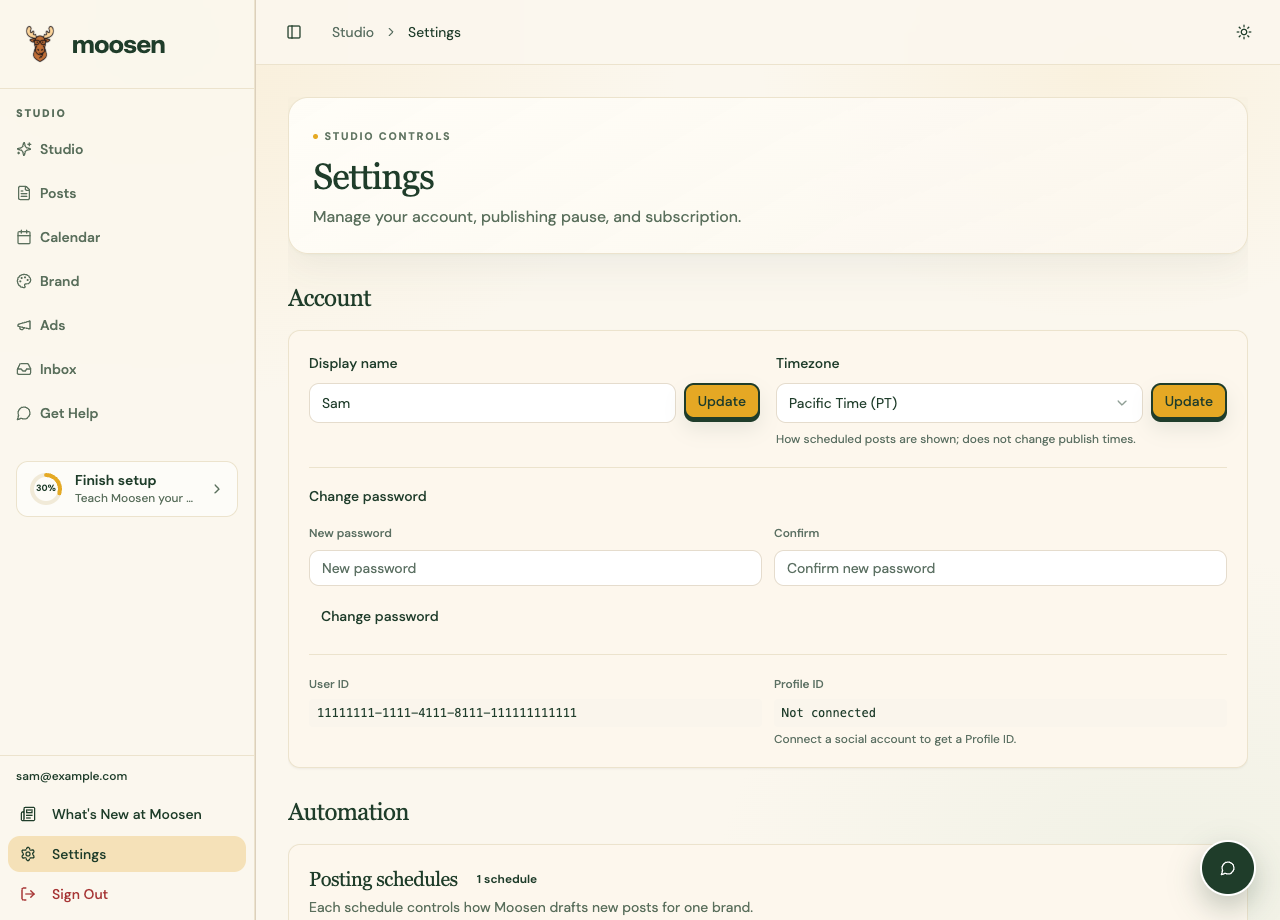 Update the specific field you want to change. Sample data. Select image to enlarge.
Your timezone controls how scheduled posts are shown. It doesn't move an already scheduled publish time. Use Calendar to reschedule a post.
Change your password#
Use Change password in Settings, enter and confirm the new password, and submit it. If you can't sign in, use the password-reset option on the sign-in page.
Use the same sign-in identity across the web and app so you return to the same Moosen account.
Change the app theme#
Use the theme control in the dashboard's top bar to choose the available display theme. The documentation screenshots use the light theme.
Delete your account#
- Review subscriptions and anything you need to keep.
- Open Settings → Danger Zone.
- Select the delete-account action.
- Read the full confirmation, provide the required confirmation details, and submit only if you intend to delete the account.
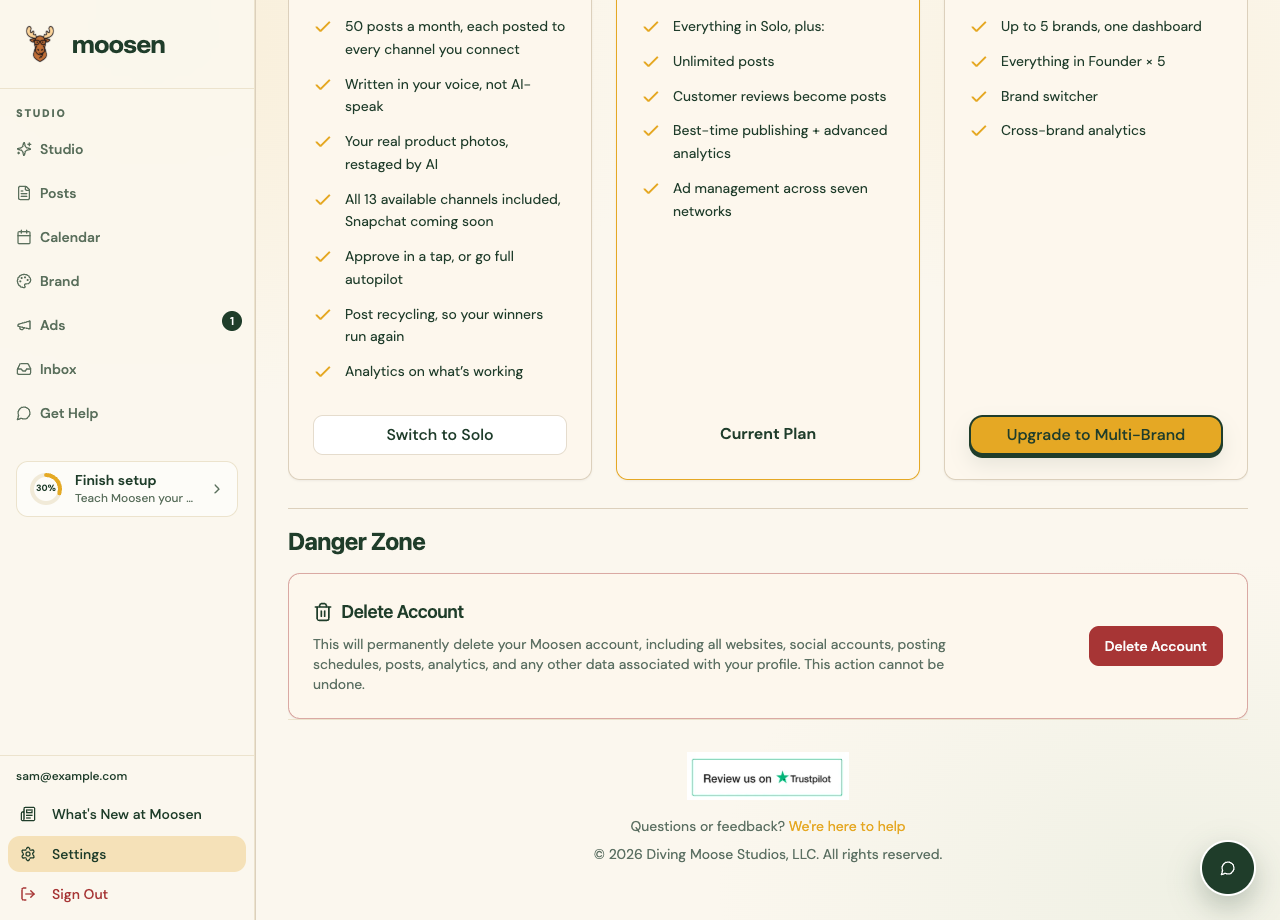
Account deletion is permanent. For subscriptions purchased through Apple, manage the Apple subscription separately. A temporary publishing break can be handled with Pause publishing.