
Choose a brand in Blog before creating an article. The brand supplies the business context for generation and keeps the article with the right business.
Create the draft#
- Select Write an article for a blank draft, or use Generate article with an optional topic.
- Enter a clear Title and edit the rich-text Body.
- Review the Excerpt and Tags (comma separated).
- Choose the destination in Publish to.
- For Shopify, choose the Shopify blog.
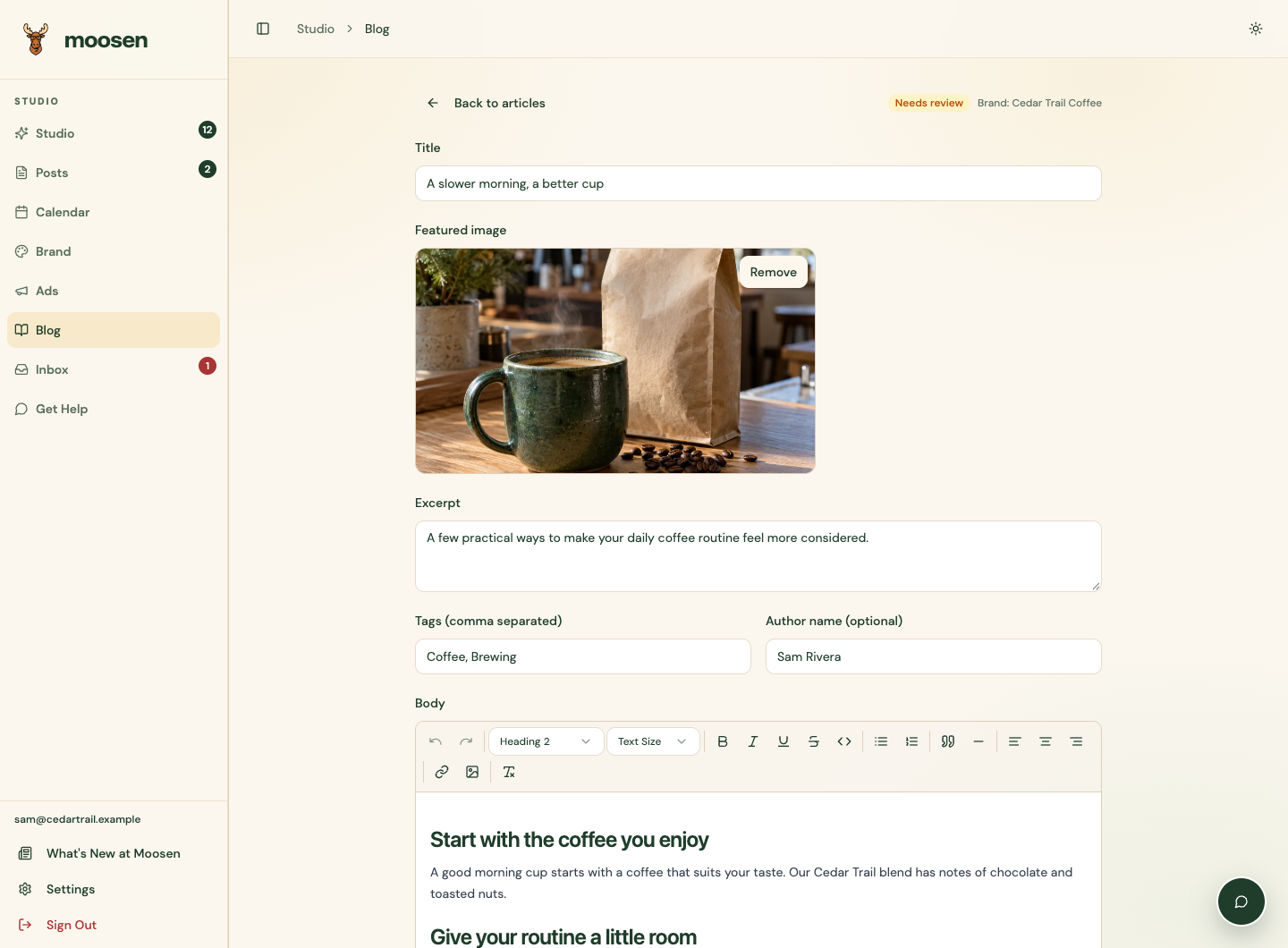 Review the article before choosing a delivery action. Sample data. Select image to enlarge.
The rich-text editor shows the formatted article. Check claims, prices and links against your business information. You can save a local draft without delivering it to a website.
Add platform details#
Shopify uses Author name (optional). WordPress uses Author ID (optional) for a numeric user ID. Shopify also offers Article URL slug, SEO title and SEO description. Editing an imported article preserves its existing URL slug unless you change that field.
Add a publicly reachable Featured image URL and an Image description. Your website needs to fetch that image. An existing delivered image can be replaced; removing it through this connection isn't supported.
Save or deliver#
Save draft saves edits in Moosen. It doesn't update an existing article on your website. Choose Create blog draft, Schedule or Publish now when you're ready to send those changes.
After the first delivery, the destination and blog stay locked to the original article. Publishing again updates that article. Write a new article if you need a separate copy on another blog.