
The shared inbox supports conversations from Instagram, Facebook Messenger, Telegram, X, Bluesky, and Reddit, subject to the connection and platform permissions.
Open a conversation#
- Select Inbox in the sidebar.
- Open Messages.
- Use the platform, status, or search controls to find a conversation.
- Select it to read the message history.
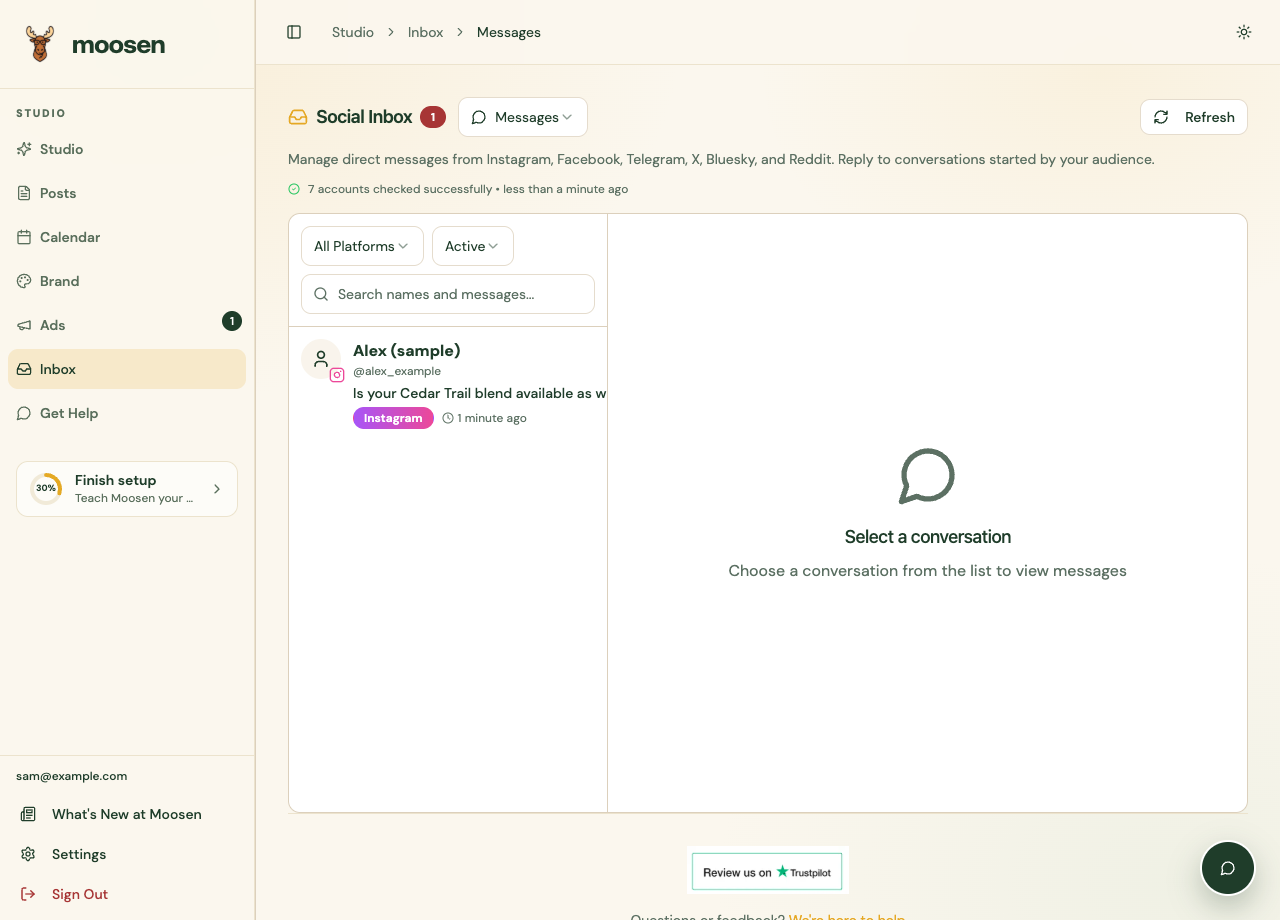 Use the list controls to find a customer conversation. Sample data. Select image to enlarge.
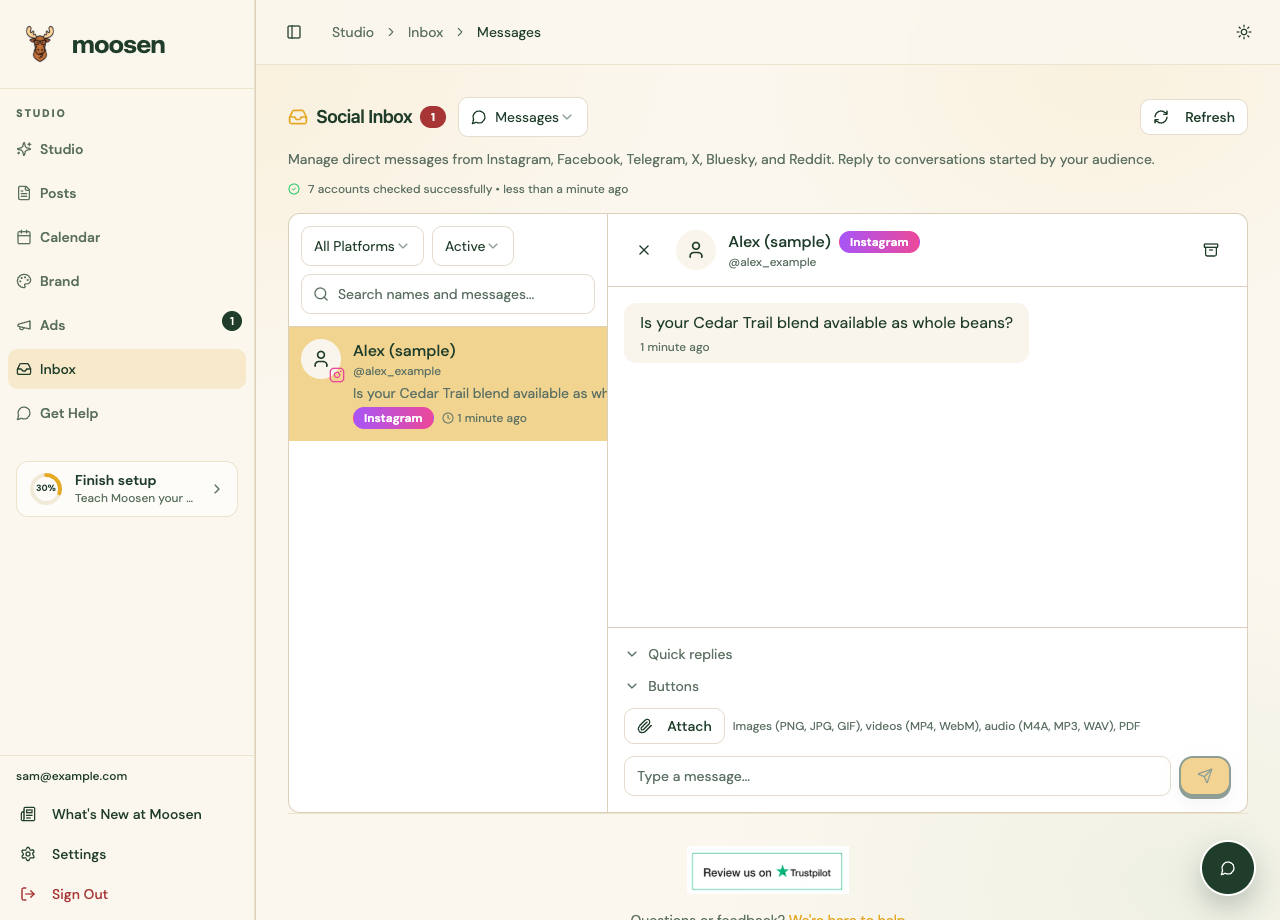 Choose a conversation to read the thread and compose a reply. Sample data. Select image to enlarge.
Send a reply#
Type your response in the message box and use the send control. Check the message's delivery indicator where the platform provides one.
Attachments and additional reply options vary by channel. Use the file guidance displayed by the composer. Bluesky and Reddit messages don't support attachments in Moosen.
Manage the conversation#
Use the available read, archive, or status actions to keep track of conversations. Telegram supports message editing where the edit control is offered.
Search support differs by channel. Bluesky conversations may not appear in server-side message search; open the conversation list directly if needed.
Fix a missing conversation#
Check the connection in Brand → Social accounts, including its inbox status. A working publishing connection doesn't prove that messaging permission is available.
Platform reply windows and permissions still apply. If a reply fails, read the returned message and avoid sending repeated copies while the first is unresolved.