
Use Get Help in the dashboard to contact Moosen support and return to previous conversations.
Start a conversation#
- Open Get Help.
- Select New ticket to start a conversation.
- Describe what you were trying to do and what happened.
- Add the relevant details and send your message.
- Return to the conversation to read replies.
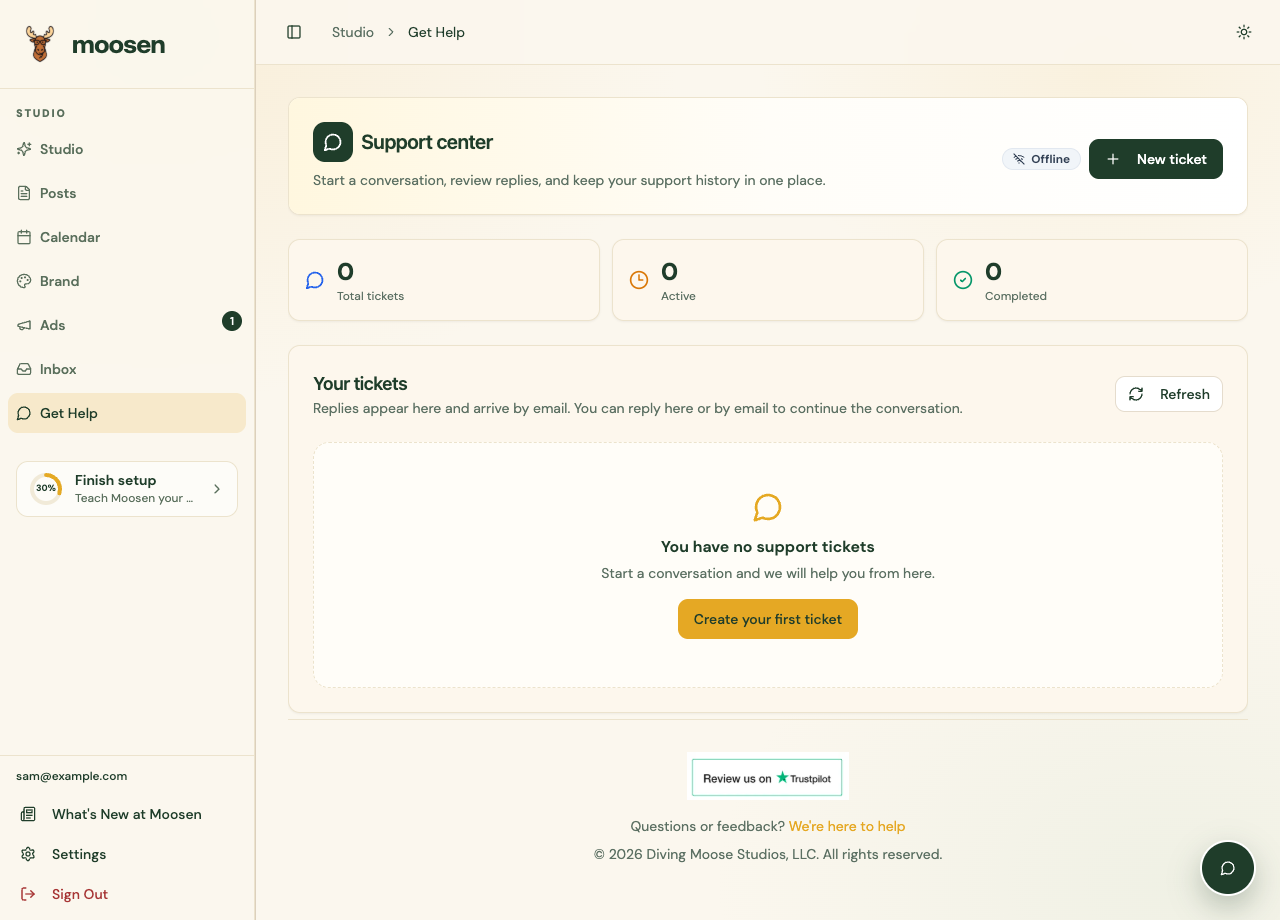
The support widget is also available from Moosen pages where it is shown.
Include useful details#
For a publishing problem, include the post, platform, expected time, and error message. Say whether other destinations published successfully.
For brand content, explain the specific wording or image that is wrong and what the correct source says. For billing, identify whether you purchased on the web or through Apple.
Screenshots are helpful when they show the problem. Keep passwords, app passwords, API keys, full payment details, and unrelated customer information out of support messages.
Report a documentation issue#
Open support and include the documentation page link and the step that didn't match your screen. The Copy link control at the top of a guide copies its address.
You can also check What's New at Moosen for recent product changes.