
Open Brand → Design style to control the visual guidance Moosen uses for your brand.
Edit the design settings#
- Select the correct brand and open Design style.
- Review the background, accent, text, and secondary colors.
- Adjust the heading and body font guidance.
- Review logo use and the visual rules.
- Save your changes.
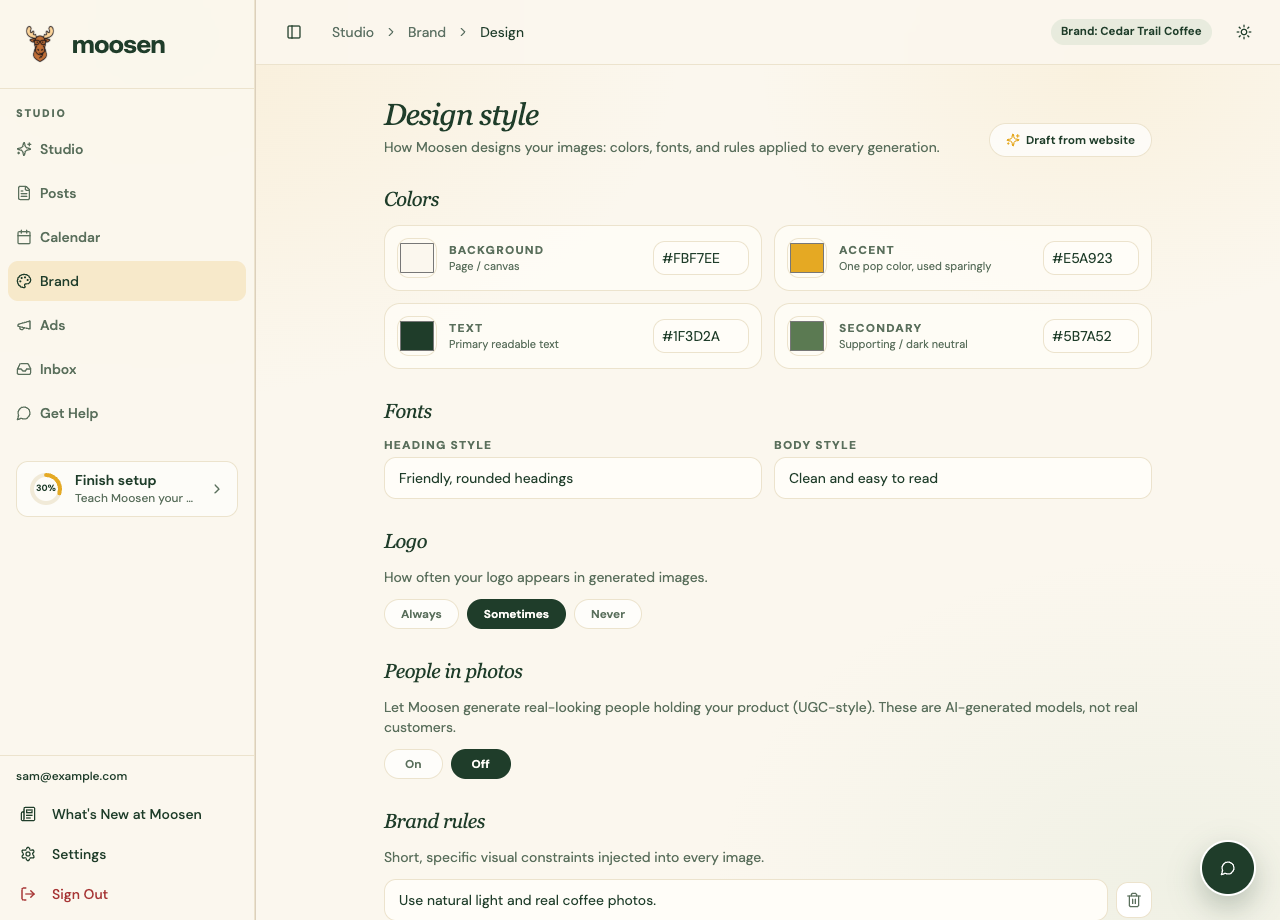
Give practical visual guidance#
Describe observable choices, such as "Use natural light," "Keep labels readable," or "Avoid adding people." If you enable the option for AI people with products, review the result for accuracy and fit before publishing.
These settings guide generated imagery. They don't redesign your website or change an image that is already published.
Choose the source of post images#
The schedule's Post images setting controls whether Moosen uses website photos, AI-generated images, or both. Find it in Settings → Automation → Posting schedules.
Use Your library to supply photos you want Moosen to work from. To fix an existing draft's image, use Refine.
If you reset or relearn the design, review the confirmation and the replacement values before continuing.