
Use Moosen's writing tools when you have an idea for a post and want help turning it into a caption. An active subscription is required to generate content in the composer.
Draft from a topic#
- Open Posts and start creating a post.
- Select its destinations and choose Continue.
- Choose Use Moosen Autopilot Intelligence™ in the Content step.
- Enter a specific Topic, such as "Introduce our new decaf blend for afternoon coffee."
- Optionally select a Post Type to guide the tone and style.
- Choose your business under Brand context so the draft can use its website content, voice, and visual identity.
- Select Generate and read the result in Post Content. Edit any wording or facts before continuing.
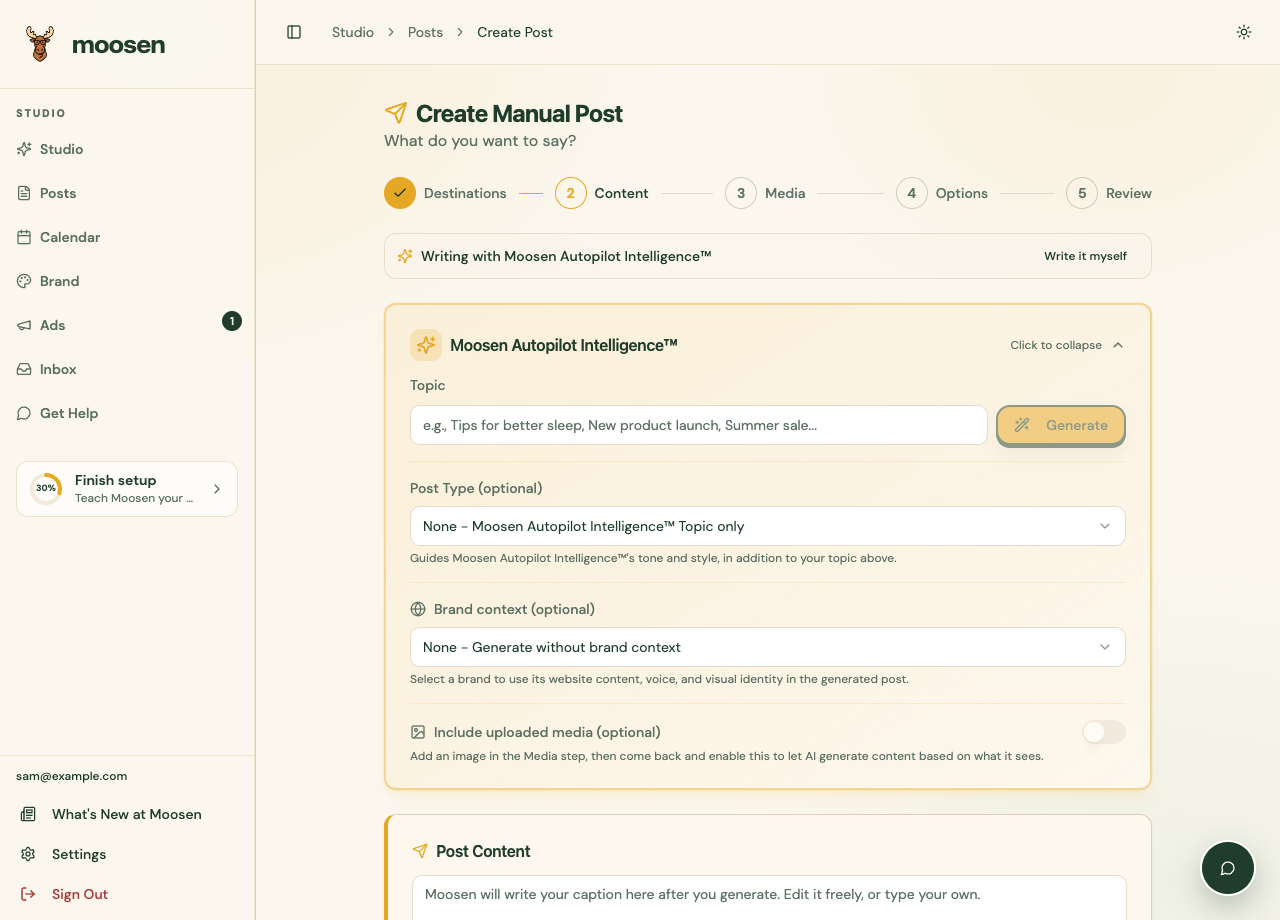 Add a topic and choose a brand before generating your caption. Sample data. Select image to enlarge.
If Reddit is a destination, also check its separate title and body. A generated draft still needs your review.
Start from a template#
When Start from a template appears, select a creative angle. Choosing a template starts generating a caption and matching image. Review both before using them. Available templates can change.
Use an image as context#
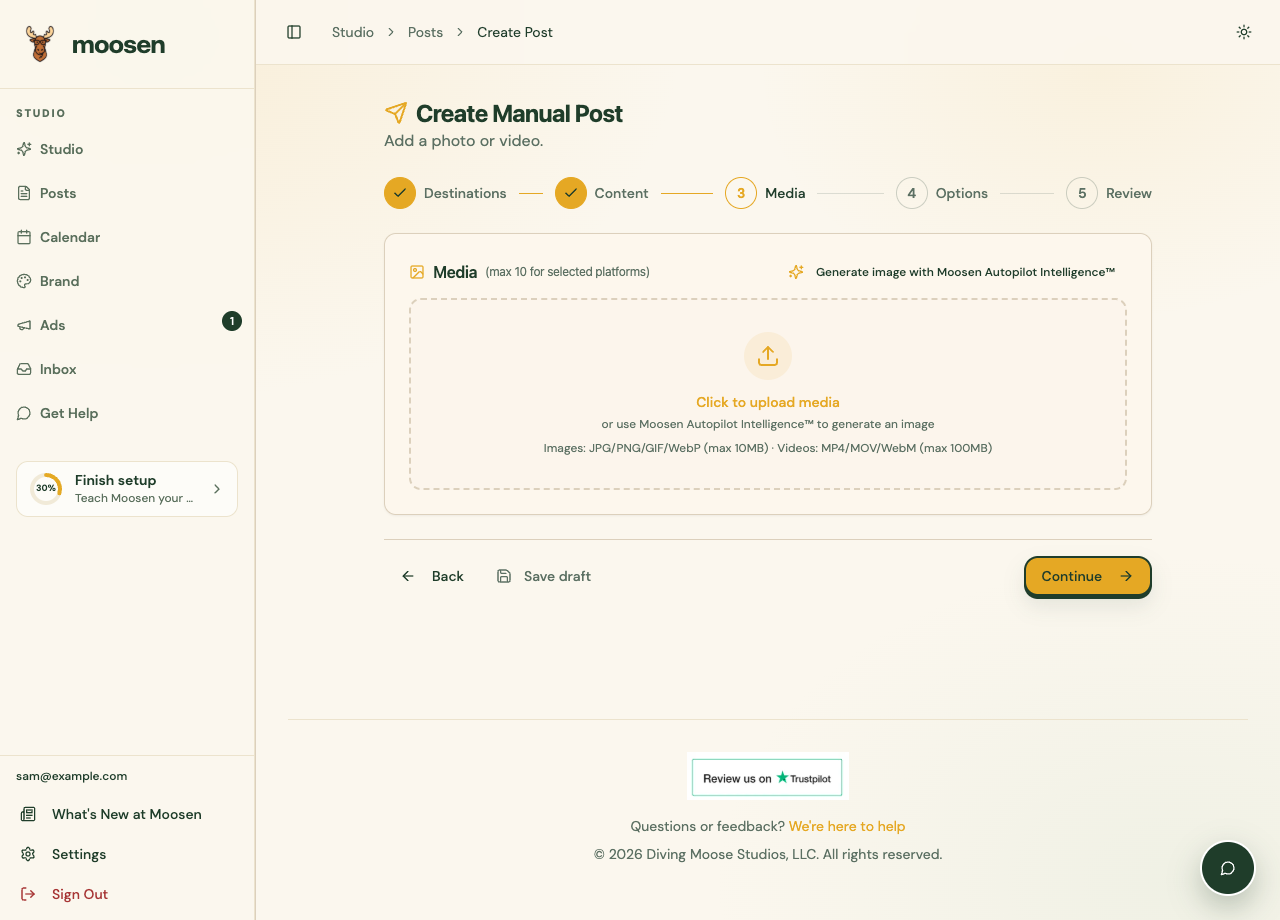
Add an image in Media, then return to Content and enable Include uploaded media. Generate the caption with that setting on to let Moosen use the image as context. Check that the text describes the product and any visible details correctly.
Finish the post#
Review or generate optional hashtags, then complete Media, Options, and Review. Use Save draft if you want to return later, or follow create a post yourself to publish or schedule it.