
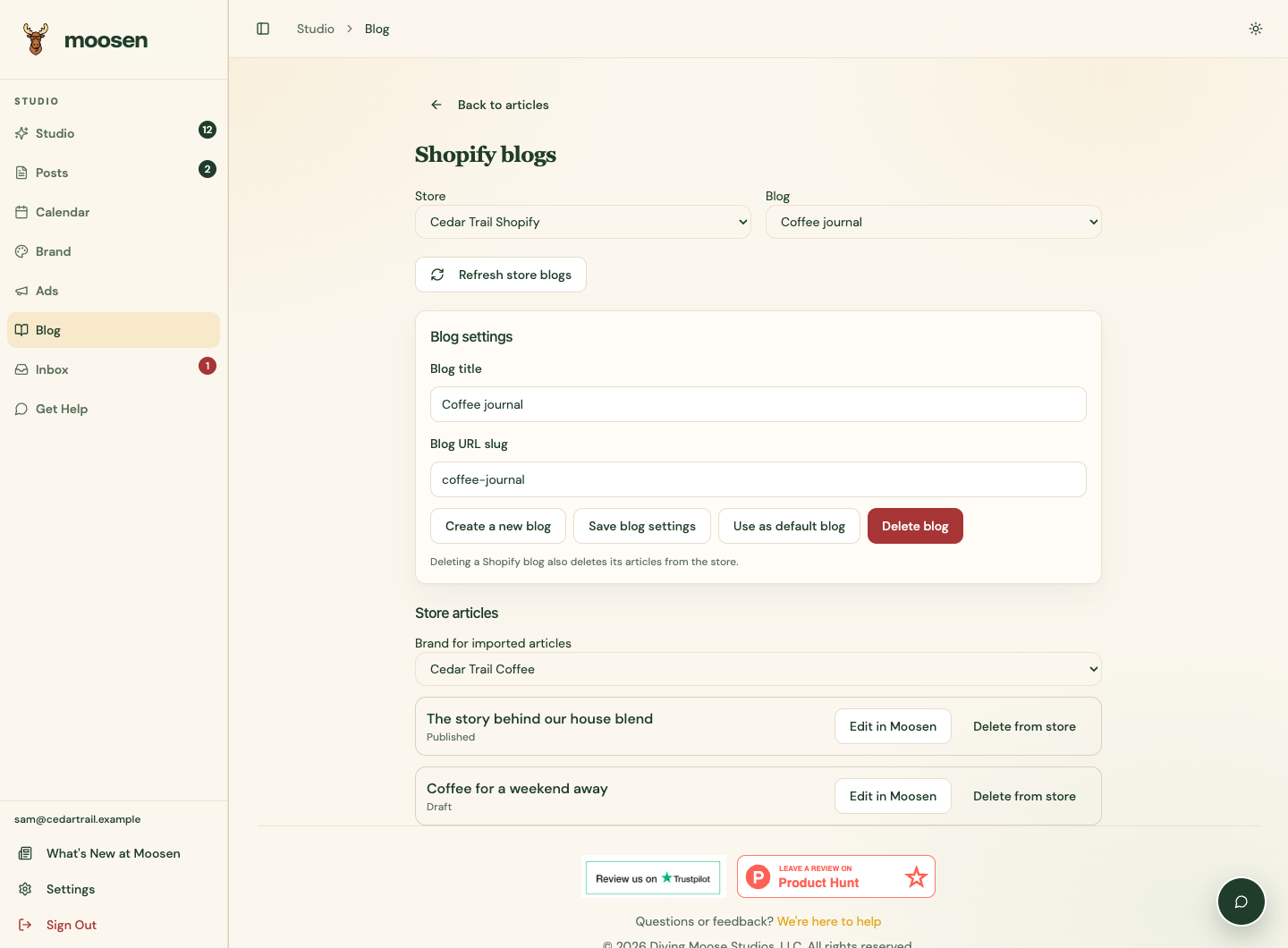
Open Blog → Manage Shopify blogs to browse the connected store's blogs and articles. The Store and Blog selectors keep each action tied to its intended destination.
Manage the blog#
Enter Blog title and, optionally, Blog URL slug. Select Create a new blog to add a blog, or Save blog settings to update the selected one. Use lowercase words separated by hyphens for the blog slug.
Use as default blog chooses the starting blog for new articles. It doesn't move articles that were already delivered elsewhere. Use Refresh store blogs to reload the store's current blogs and article list.
Edit an existing article#
- Choose the store and blog.
- Use Load more articles when another page is available.
- Choose Brand for imported articles.
- Select Edit in Moosen on the article.
- Review and save your edits, then publish the update to that same article.
Importing doesn't create a second Shopify article. Reopening a previously imported copy preserves its local reviewed edits. The store list shows the current Shopify state; a local article's badge records the last confirmed delivery.
Delete carefully#
Delete from store removes the selected article from Shopify after confirmation. Delete blog removes the selected blog and all its Shopify articles after confirmation. These affect the live store. Imported local copies remain as drafts.
Deleting an article from Moosen's article list removes only its local copy. It doesn't delete a website article. A pending delivery must be resolved before deletion. If a change has an uncertain outcome, refresh and inspect the store before attempting it again.