
Moosen's changelog describes product changes and improvements.
Read updates in the app#
- Open the dashboard.
- Select What's New at Moosen in the sidebar.
- Open the update you want to read.
- Follow any related product links or documentation.
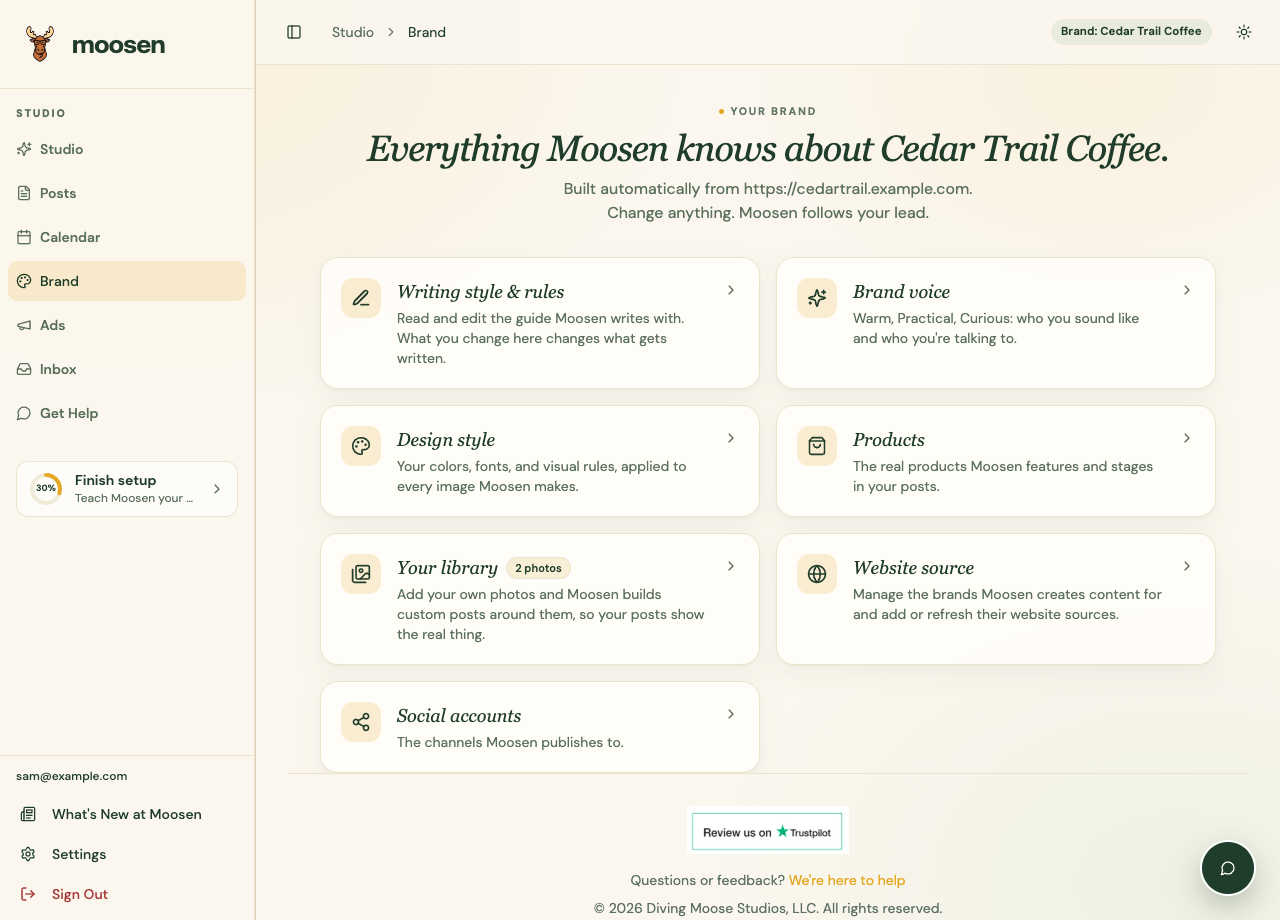 Open What's New at Moosen from the sidebar. Sample data. Select image to enlarge.
You can also read the public changelog without opening the dashboard.
Check availability#
An announcement may explain a new feature, a fix, or a feature still in preparation. Read its availability and plan requirements.
For the current setup steps, see Blog publishing and Reddit Ads.
The Coming soon guide lists planned features that aren't yet customer workflows. Don't treat those as setup instructions for a released feature.