
Posts brings your content together so you can find a specific post and see what happens next.
Find a post#
- Open Posts.
- Choose the relevant view for queued or published content.
- Use the available search, filters, or sorting controls.
- Open a post to inspect its content and delivery details.
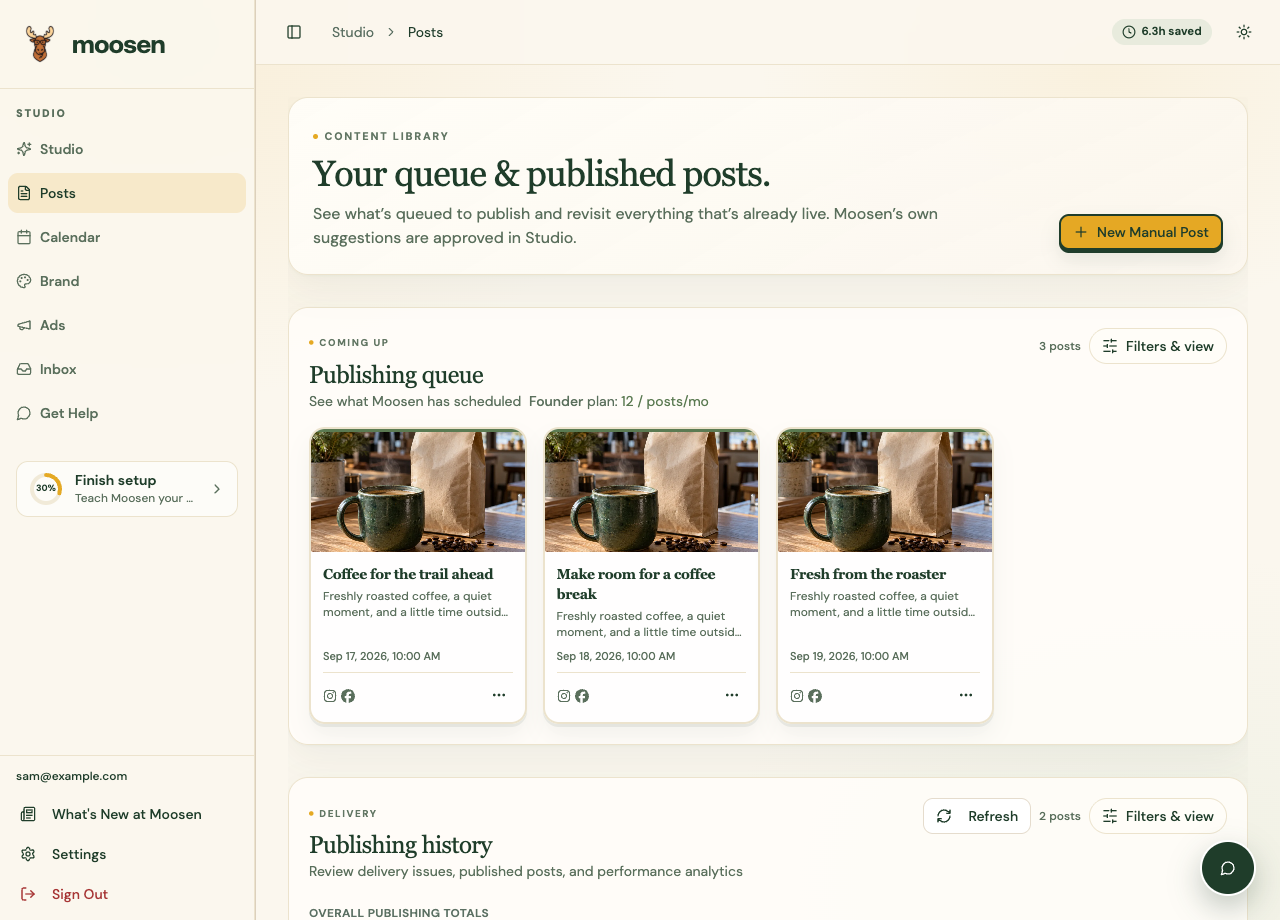 Find a post, then open its card or actions menu. Sample data. Select image to enlarge.
A post imported from a connected channel can appear in history even when you didn't create it in Moosen. Imported external posts don't consume your generated-post allowance.
Edit or act on a post#
Open the Post actions menu on the card. The actions depend on the post's status.
| Action | What it does |
|---|---|
| Approve | Approves a pending post. |
| Edit | Opens an editable pending or scheduled post. |
| Post Now | Sends an eligible scheduled post for immediate publishing. |
| Repost | Starts a new posting action for previously published content. |
| Recycle | Configures supported repeating publication. |
| Ignore | Clears a failed item from the active attention workflow when available. |
| Delete | Starts removal, with consequences explained in the confirmation. |
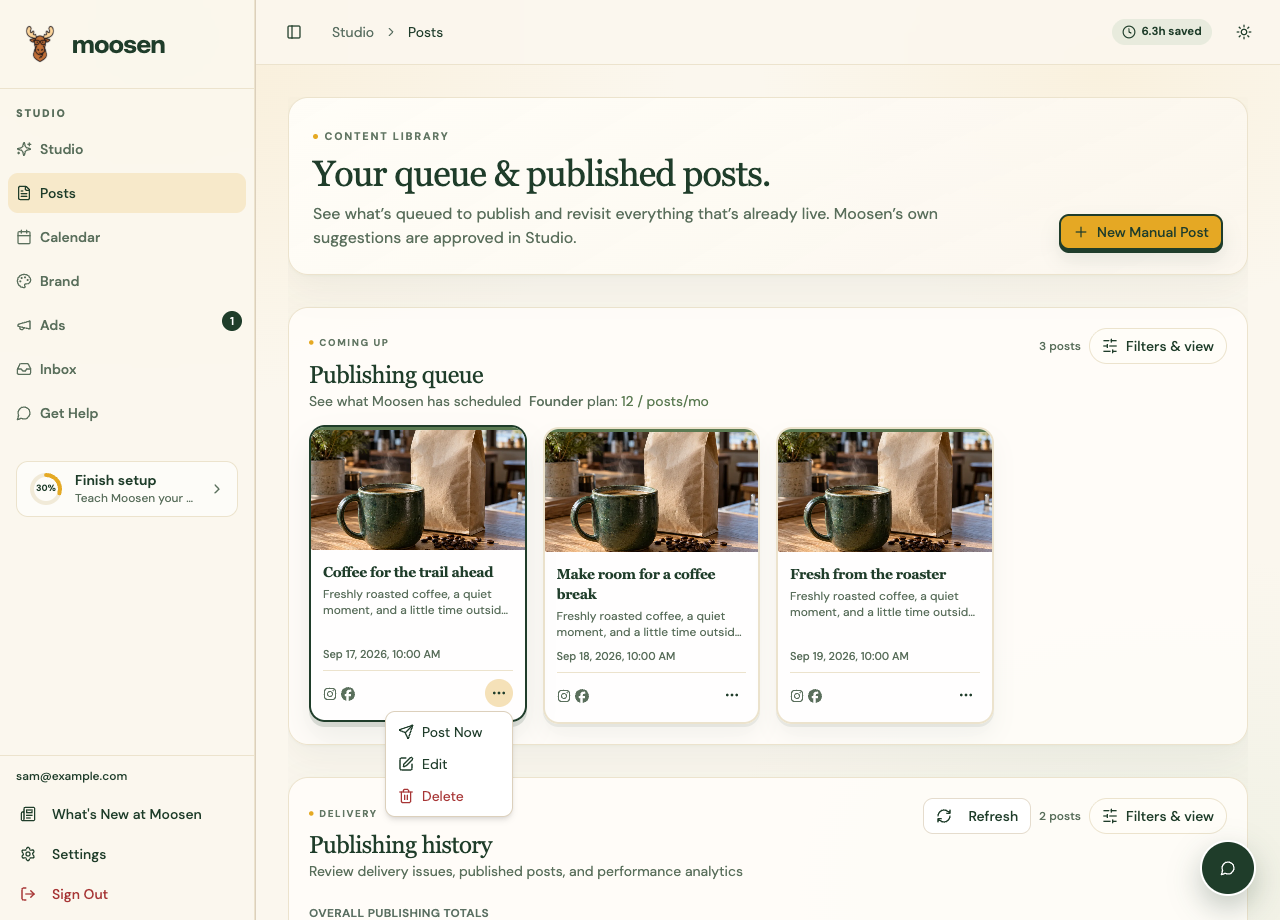 Available actions change with the post's current status. Sample data. Select image to enlarge.
Read remove a post before removing published content. See recycling before setting up repetition.
Verify the result#
After an action, reopen the post and check its status. Publishing is asynchronous and each destination has its own result. A card's summary doesn't replace the per-destination details.