
Studio shows the posts waiting for your decision. Review the actual wording and image before you approve, especially prices, offers, dates, and claims about your products.
Review a draft#
- Open Studio.
- Read the caption and inspect the image.
- Check the Suggested time and platform panel for the time and destination accounts.
- Select the time if you need to reschedule before approving.
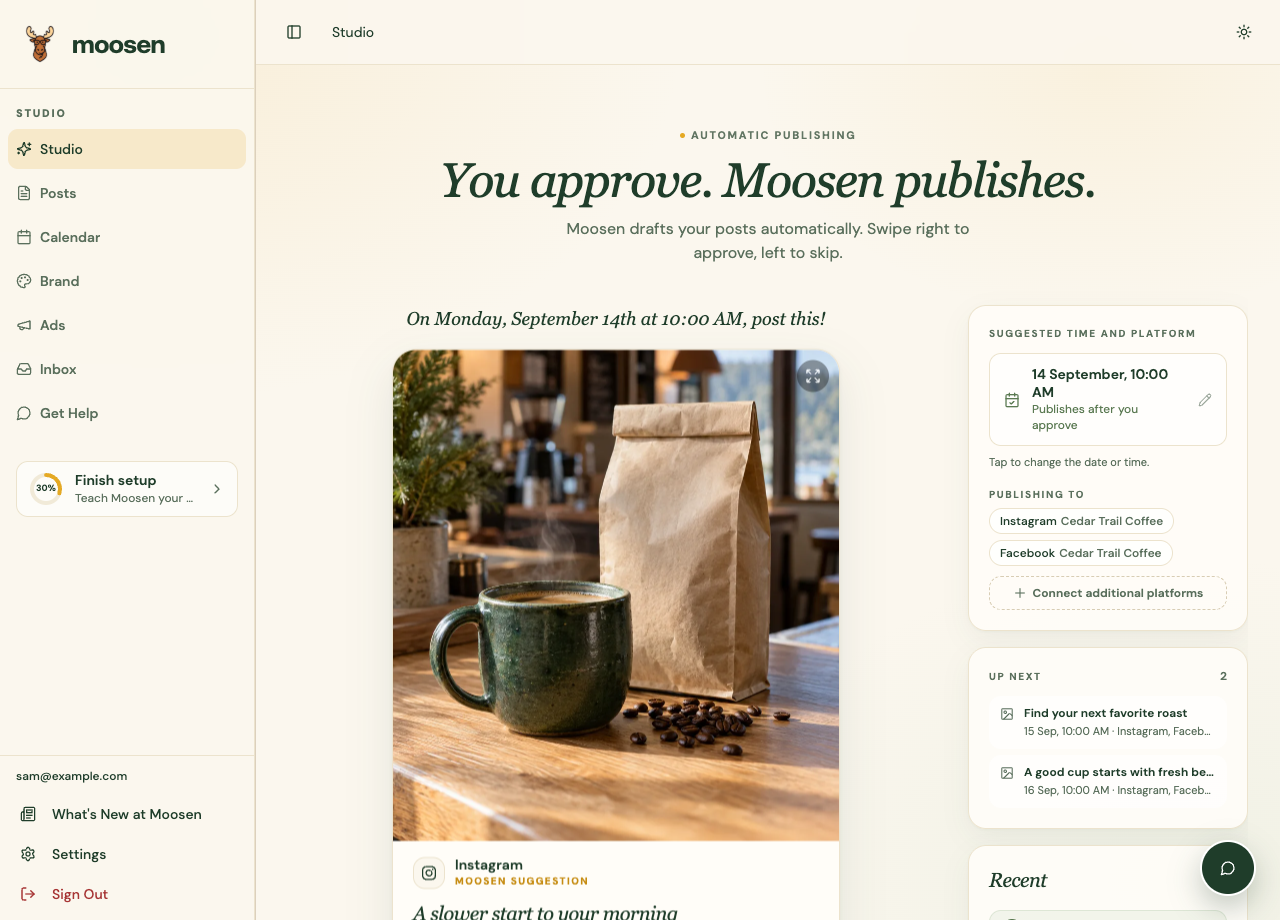 Check the proposed time and destinations beside the draft. Sample data. Select image to enlarge.
Approve or skip#
Select Approve post or swipe right to approve. With an active plan, Moosen schedules the approved post. Select Skip post or swipe left to pass on it. Skipping a draft helps Moosen learn what you don't want.
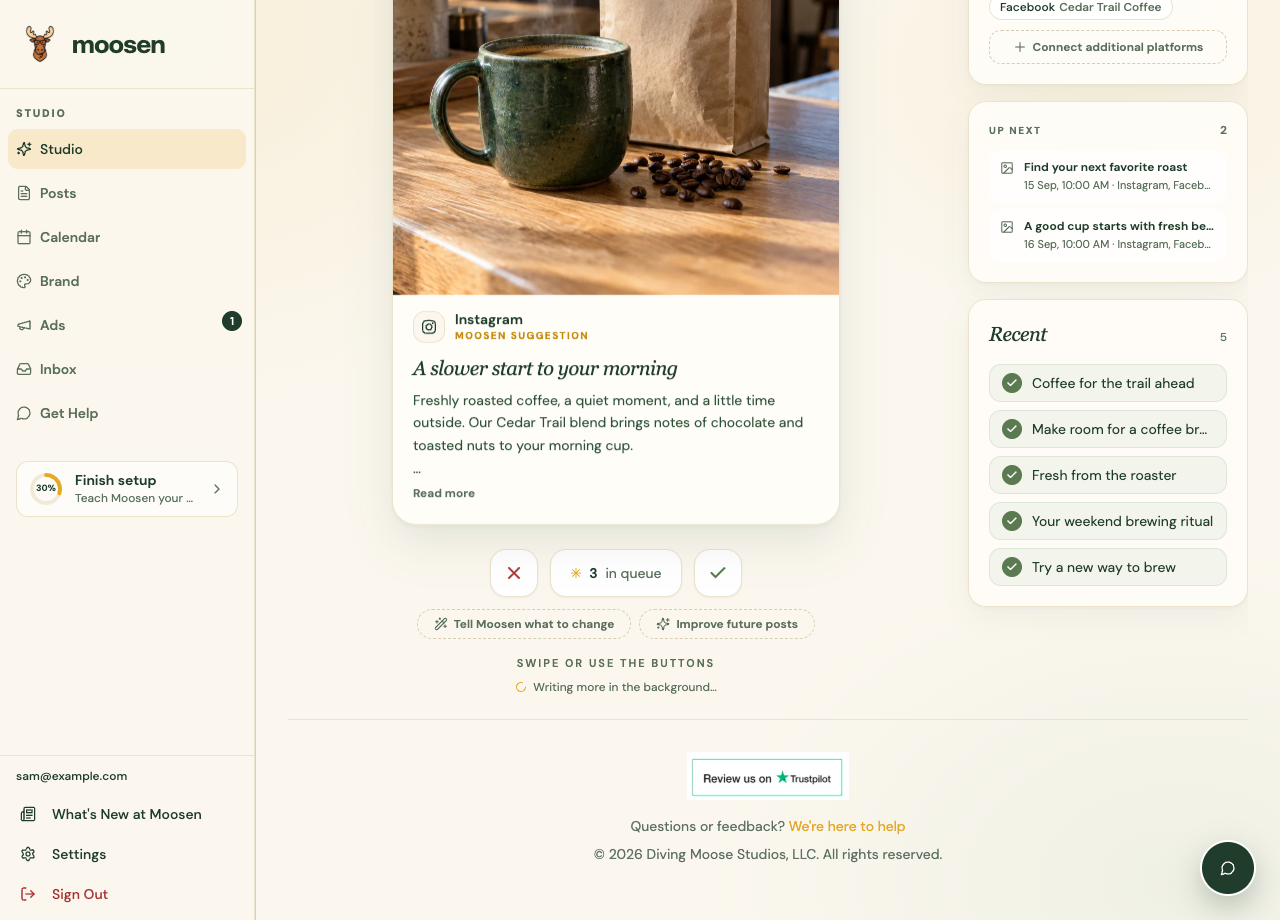
During the free preview, both decisions count toward the preview allowance. Approval doesn't publish without an active subscription.
Make a change first#
Use Tell Moosen what to change for changes to this draft. Use Improve future posts for a preference that should guide future content. You can revisit queued content in Posts.
If the caption needs information before it can be approved, complete that correction first. See refine a post.
Confirm delivery#
After the scheduled time, check the post's delivery details in Posts. A post can succeed on one destination and fail on another. Follow publishing troubleshooting for the destination that needs attention.