
Use Moosen to prepare and schedule community posts with a Reddit-specific title and body. You'll need a Reddit account with permission to post in your chosen community, plus an active Moosen subscription.
Connect Reddit#
- Open Brand → Social accounts.
- Select Add Social Account, then Connect Reddit.
- Follow the sign-in and authorization flow. Read the permissions and choose the correct account or destination.
- Return to Moosen and confirm the connection is listed.
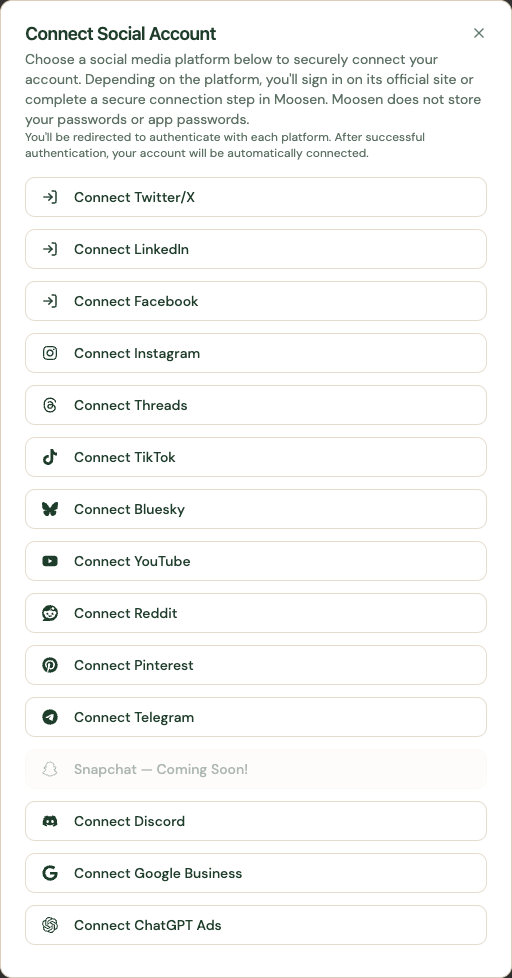 Start the Reddit connection from Add Social Account. Sample data. Select image to enlarge.
Prepare a post#
Set the connection's Default subreddit. In the composer, review the separate Reddit title and body. Read the community rules before scheduling promotional or product-related content.
Open Posts, create a manual post, and select the connected Reddit account. Continue through content, media, and the available platform options.
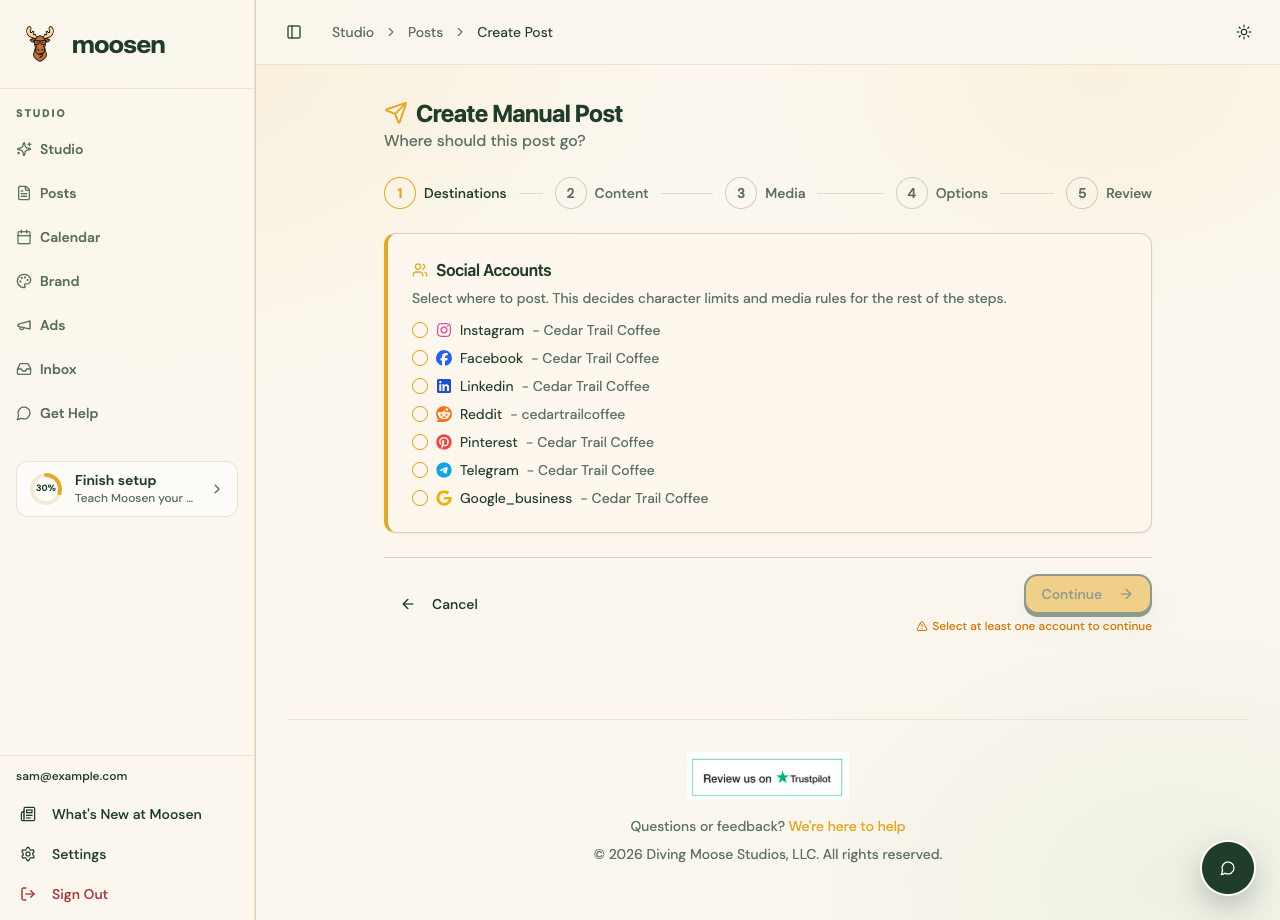 Select the intended account before writing and adding media. Sample data. Select image to enlarge.
Review the preview, choose Now or Schedule, and submit when ready. To include the account in automatic posts, select it in the brand's posting schedule.
Check delivery#
After publishing, open the post in Posts and inspect the Reddit result. Follow the live link when available. If it fails, read the destination error before retrying.
Account reputation, subreddit requirements, moderation, and spam filters still apply. Moosen does not guarantee that a community will accept or retain a post.
See fix a publishing problem for a step-by-step check.
For paid campaigns and pixel requirements, use the separate Reddit Ads guide.