
Connect the destinations you want to publish to in Brand → Social accounts. Publishing requires an active subscription. Moosen's current plans allow unlimited connected social accounts.
Add a connection#
- Open Brand → Social accounts.
- Select Add Social Account.
- Choose the platform.
- Complete the platform's connection flow and choose the correct destination.
- Return to Moosen and confirm the connection appears.
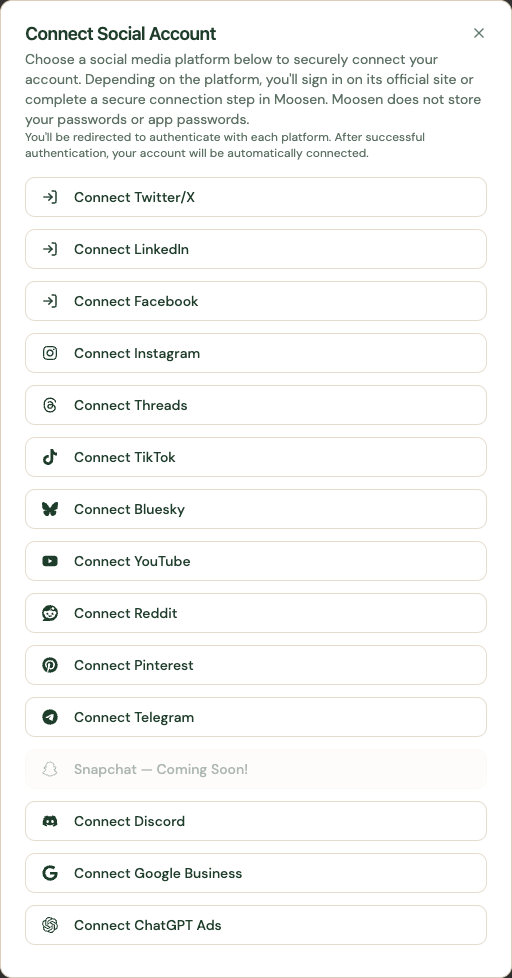 Choose the platform you want to connect. Sample data. Select image to enlarge.
Connect a blog separately#
WordPress and Shopify connect from Social accounts but publish through Blog. They don't appear in social composers, social posting schedules or social repost selectors. Follow the Shopify or WordPress instructions.
Follow the guide for your channel#
| Social channels | Community and local channels |
|---|---|
| Instagram, Facebook, LinkedIn | Telegram |
| Threads, X, Bluesky | Discord |
| TikTok, YouTube | Google Business |
| Pinterest, Reddit |
Snapchat is Coming soon. It isn't one of the 13 available publishing channels.
Choose where automatic posts go#
A connection makes an account available. Check Settings → Automation → Automatic publishing destinations to decide which accounts a schedule uses.
Manual posts have their own destination selection. Inbox and paid ads have separate capability and permission requirements.
Manage or reconnect an account#
Open Manage beside the connection to inspect it. Reconnect when Moosen reports expired authorization or the platform requires renewed permissions.
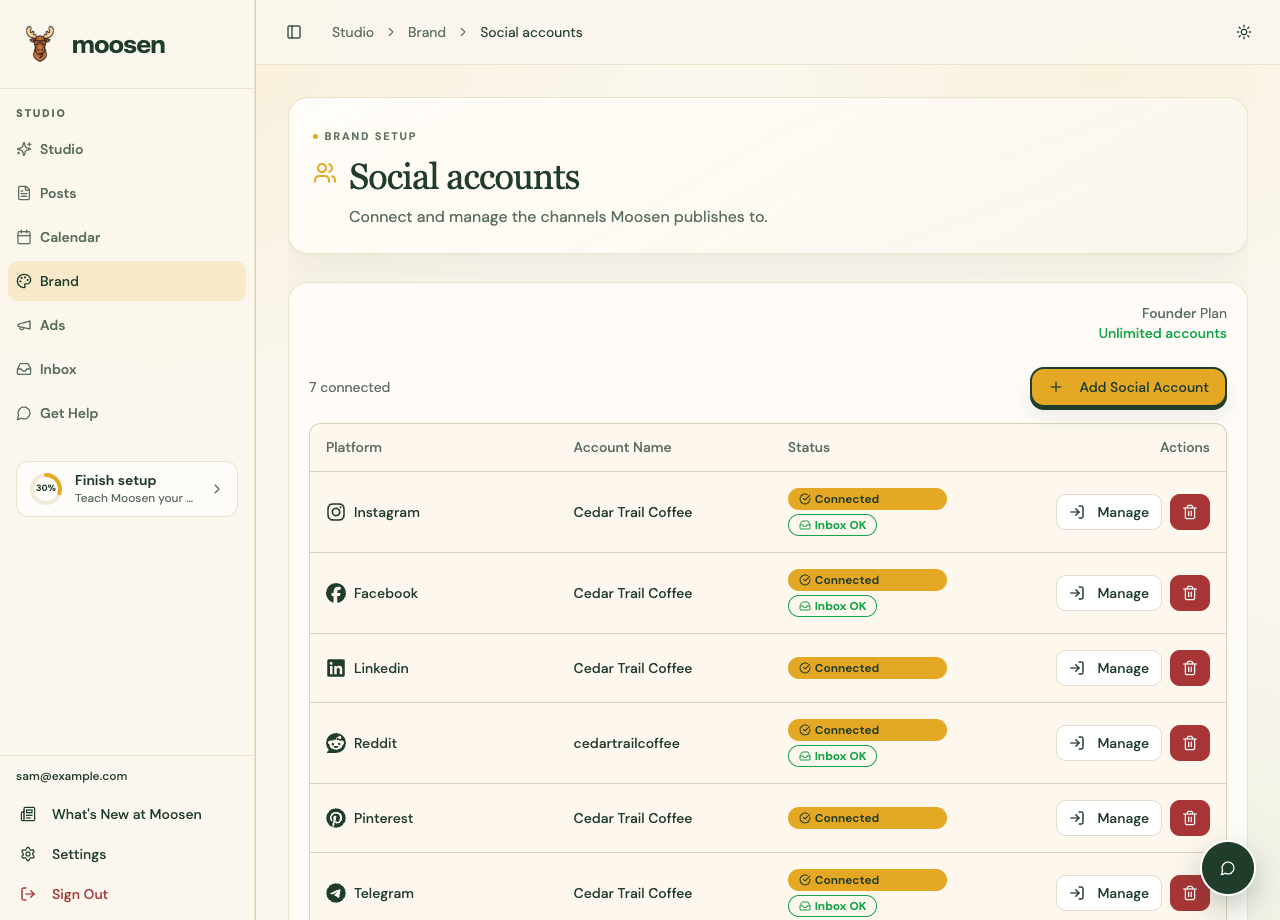 Inspect the individual connection before reconnecting. Sample data. Select image to enlarge.
Disconnecting an account can affect pending publications. Review the confirmation and any scheduled content first.