
When a post doesn't appear where expected, start with its delivery details. A connection can be healthy while a particular post has invalid media, a missing destination, or content the platform rejects.
Inspect the post#
- Open Posts and find the affected post.
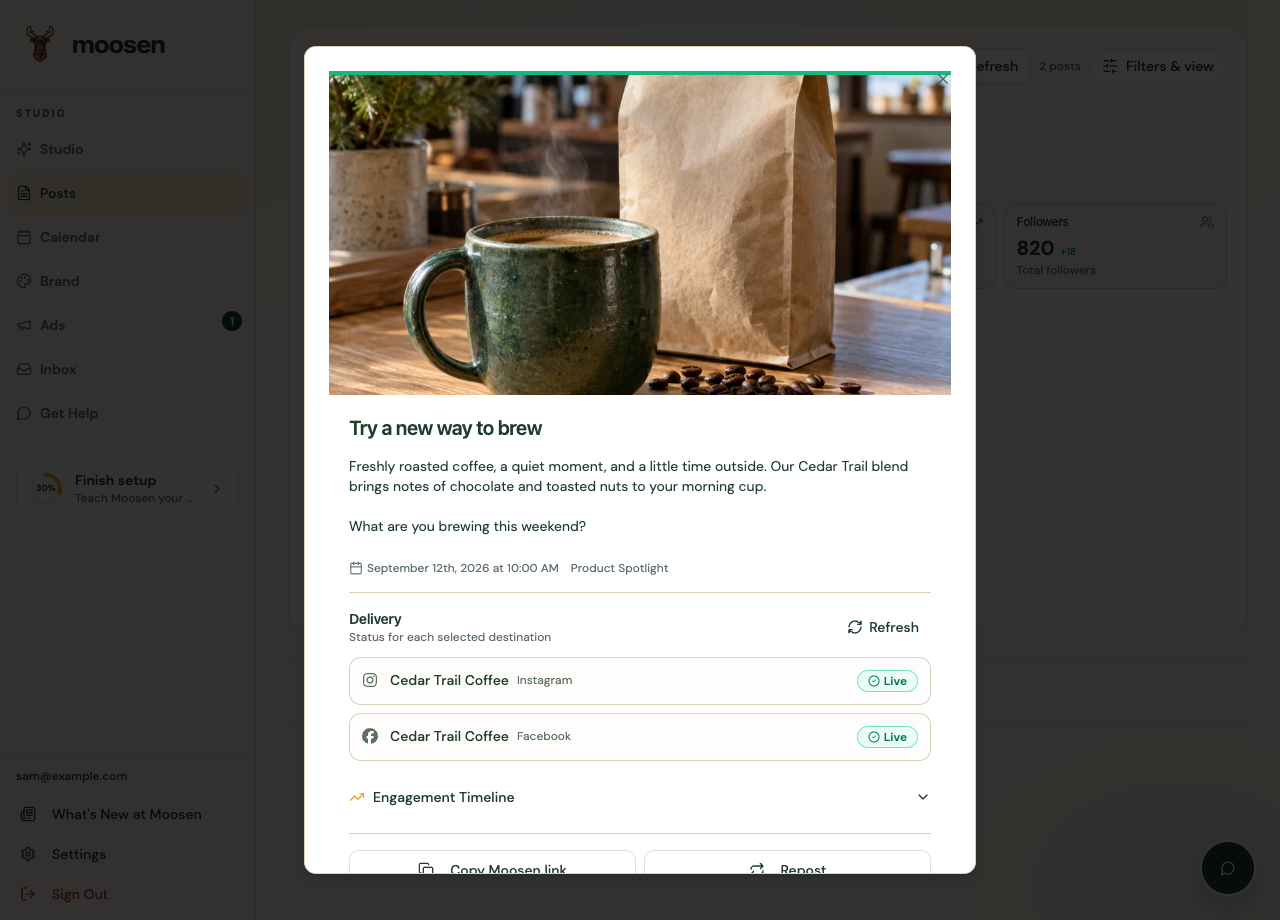
- Open its preview or delivery details.
- Read the result for each destination.
- Follow a live link when available to confirm what actually published.
Match the problem to the fix#
| What you see | What to check |
|---|---|
| Waiting for approval | Approve the draft in Studio, or review your autopilot setting. |
| Scheduled | Check the saved time and your display timezone. |
| Publishing | Allow the in-progress attempt to complete before sending another copy. |
| Failed or partially published | Read the error for the failed destination. Leave successful destinations alone. |
| Connection or permission error | Open Brand → Social accounts and inspect that account's status. |
| Media or format error | Correct the file or format for the selected channel. YouTube requires video. |
| Missing Reddit destination | Set the account's default subreddit. |
| Missing Pinterest destination | Select the correct board. |
Retry the affected destination#
Use the available retry or repair action after correcting the stated issue. Don't create a duplicate manual post just because one destination failed.
If another destination already published successfully, confirm that the retry targets only the failed destination. Read any warning before continuing.
Escalate with useful details#
Open Get Help and include the post, platform, time, and error text. Mention whether any destinations succeeded.
Don't delete and reconnect every account as a general troubleshooting step. Reconnect the affected account when its error or connection status calls for it.
For WordPress or Shopify articles, use blog delivery troubleshooting. Website article delivery is handled separately from social posts.