Keep the affected store, blog and article in view while diagnosing a problem. Reconnecting every account can make a single connection issue harder to trace.
A destination is missing#
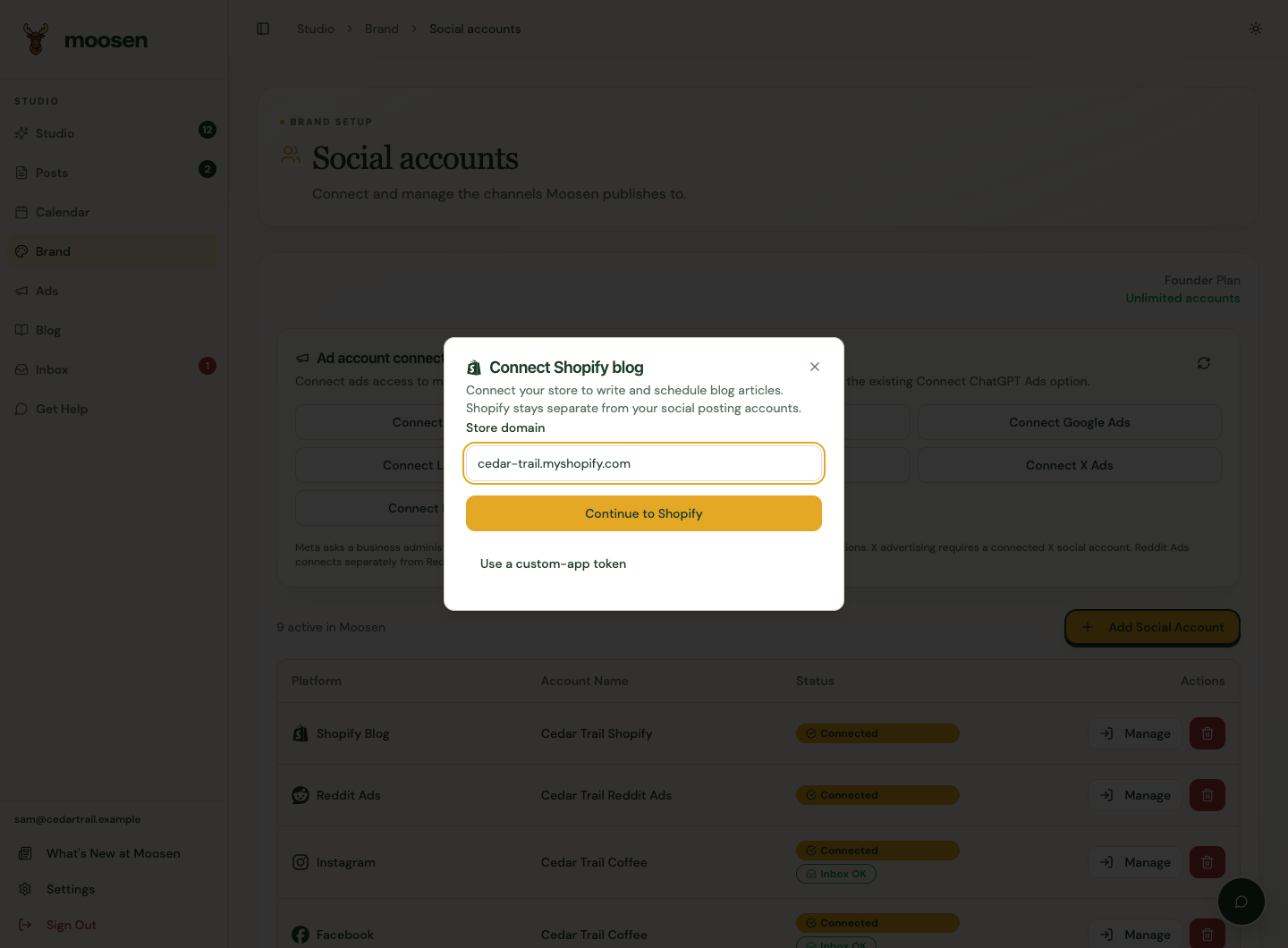
Check your active Founder or Multi-Brand plan and the account's Social accounts page. Connect or reconnect the intended WordPress site or Shopify store, then return to Blog. A Shopify store without a blog can stay connected; create a blog in Manage Shopify blogs.
An article won't save or publish#
Review the title, body, selected destination and Shopify blog. Scheduling needs a future date. The featured image URL must be publicly reachable. Check the website user or app has permission to read and write article content.
A delivered article stays tied to its original website and blog. Changing the connection's default doesn't move it. Create a new local article when you intend to publish a separate copy elsewhere.
Delivery is pending or uncertain#
Moosen blocks editing and repeated delivery when it hasn't received a clear acknowledgement. Open the website's article view and check whether the article or update arrived. Contact Moosen support with the store, blog, article title and approximate request time so the delivery can be reconciled.
Don't send passwords or Admin API tokens to support. Don't publish a duplicate as a workaround.
A scheduled article hasn't appeared#
Check the time you chose and its browser timezone, then inspect the article in WordPress or Shopify. Website schedules run on that platform. Social posting pauses don't stop them, and changing social autopilot doesn't reschedule them.