
Recommendations suggest changes based on the campaign information available to Moosen. You decide which supported changes to apply.
Generate and review#
- Open Ads.
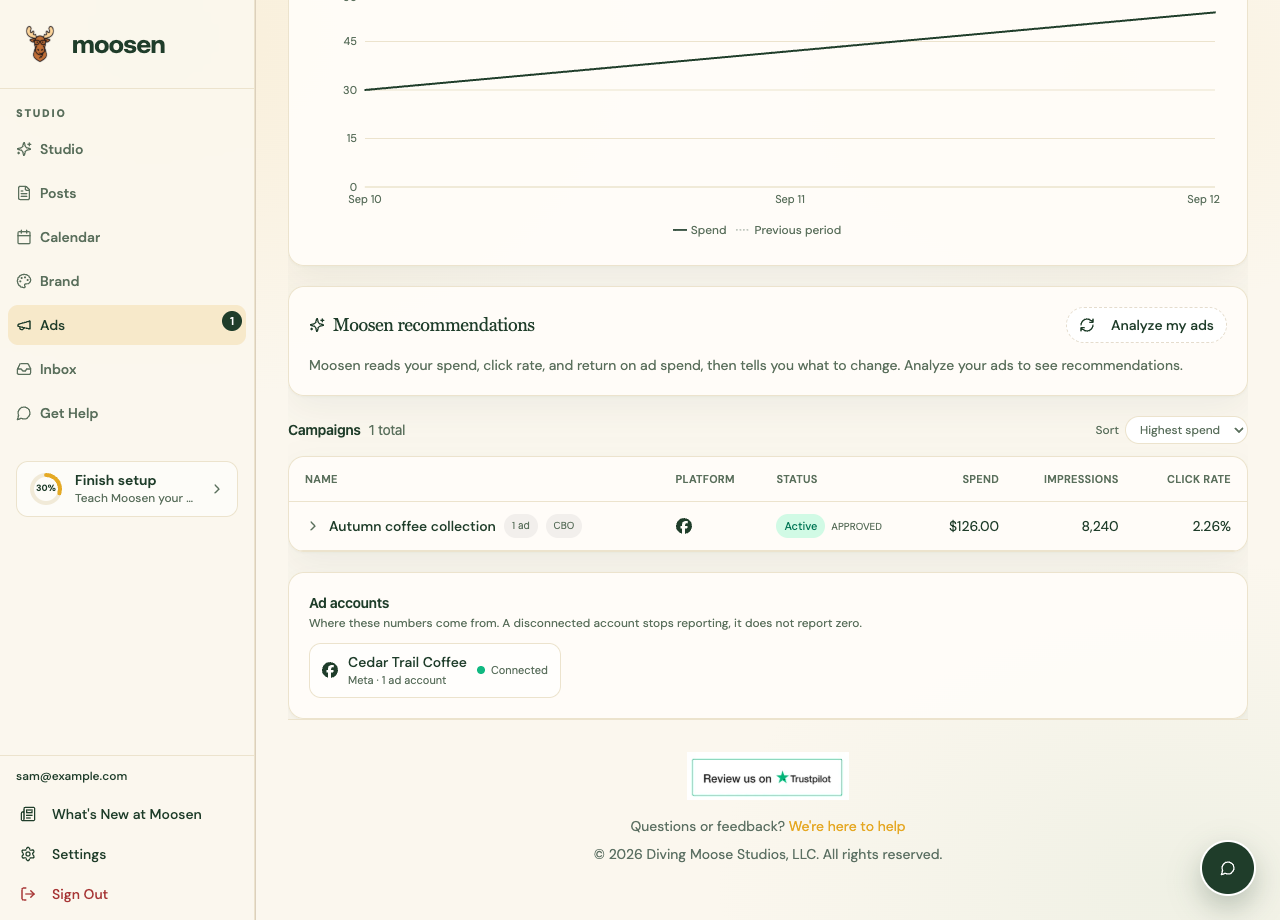
- Find Moosen recommendations and select Analyze my ads, or Refresh if you already have recommendations.
- Read the recommendation, supporting explanation, and proposed action.
- Check the affected account, campaign, and current results.
Apply a supported action#
If Moosen offers an apply action, review the actual change before confirming. A budget recommendation can change spending. A status recommendation can stop or resume delivery.
After applying, reopen the affected campaign or ad and confirm the new value or status.
Keep the limits in mind#
Recommendations depend on available source data. Missing conversion tracking, small samples, delayed reporting, and business context can affect how useful a suggestion is.
You can leave a recommendation unapplied. Check reporting and use your business priorities when deciding what to change.