
Your website gives Moosen business details, writing examples, product information, and imagery. You can manage that source in Brand → Website source.
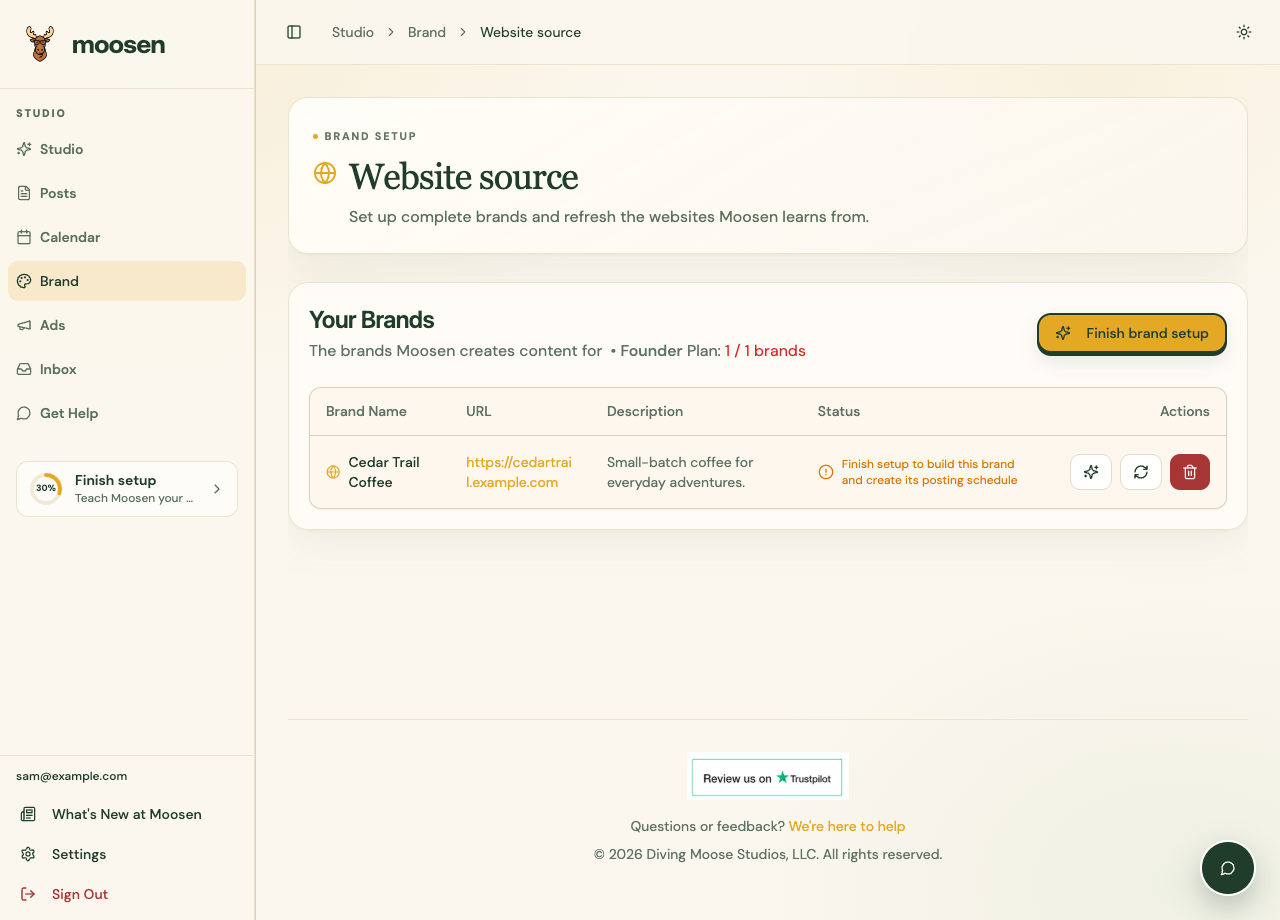 Open Website source to inspect or refresh the brand's website. Sample data. Select image to enlarge.
Add a website#
- For your first brand, use Get started.
- For an additional brand, open Brand → Website source and use the add control if your plan has room.
- Enter your business's complete public address.
- Finish the setup flow and wait for the website content to load.
- Check Brand → Products and Your library for the information Moosen found.
For a hosted shop or artist profile, use your specific shop or profile address. A platform's homepage doesn't identify your business.
Refresh the source#
- Open Brand → Website source.
- Find the correct brand.
- Select Refresh website content, shown by the refresh icon.
- Wait for the refresh to finish, then check the products and images again.
A website refresh changes the source material for future content. Review any drafts that already contain an old price, offer, or product description.
Fix missing content#
Open the website in a signed-out browser and check that the relevant pages are public. Login requirements, crawl blocking, and pages that don't expose readable content can limit what Moosen finds.
Add missing product details in Products, upload images to Your library, and put essential guidance in Writing style & rules.
Reading a public Shopify or WordPress website is available today. Installing a blog-publishing connection is coming soon.