
Use the campaign tree to see the relationship between a campaign, its ad sets, and individual ads.
Open the campaign#
- Open Ads and find the campaign.
- Expand the campaign and ad set as needed.
- Select the item you want to inspect.
- Review its delivery status, creative, and budget.
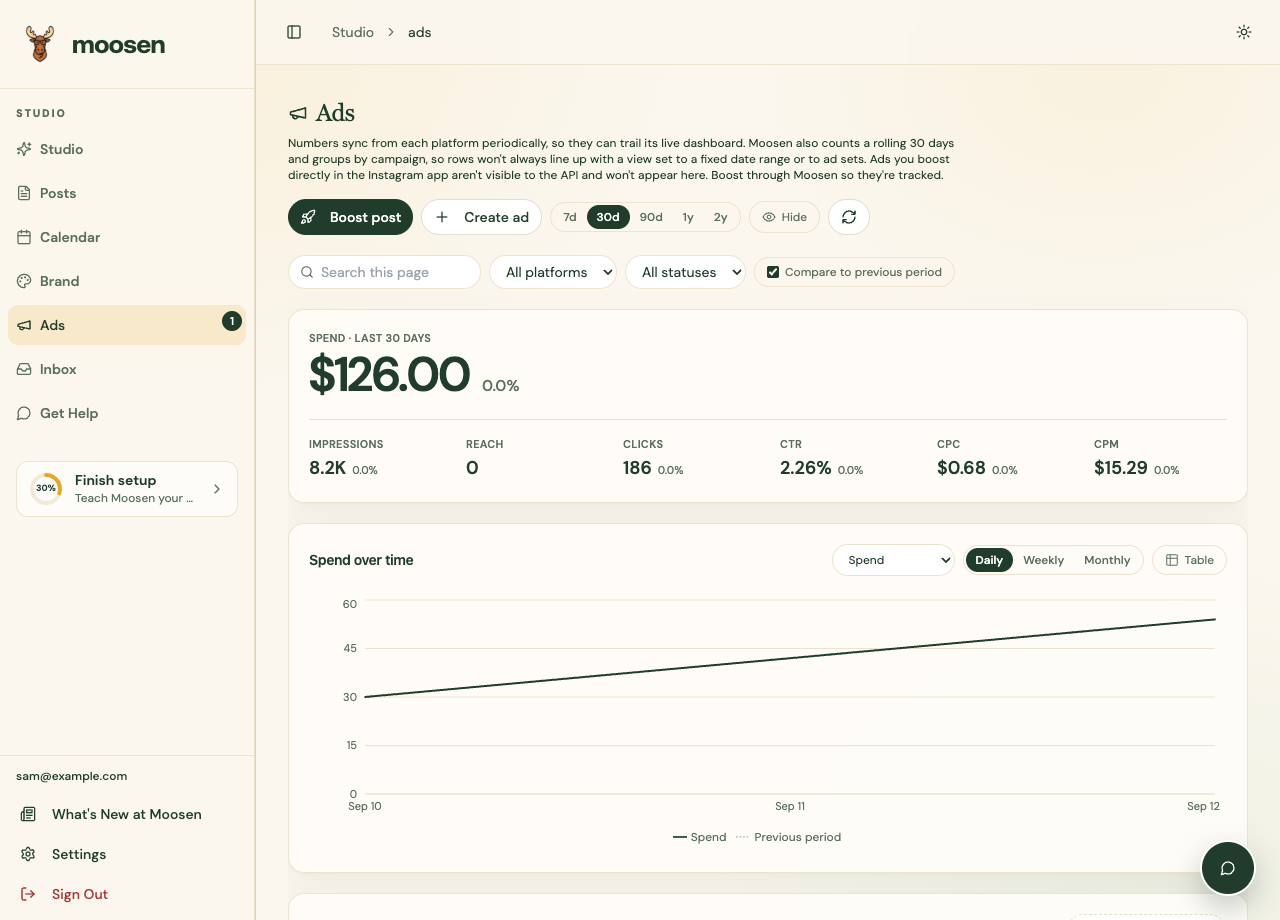 Expand the campaign to inspect its ad sets and ads. Sample data. Select image to enlarge.
Change a budget#
Use the available budget control on the item that owns the budget. Some campaigns keep the budget at campaign level; others keep it at ad-set level.
Enter the new amount and supported budget type, then review and save. Verify the saved value and currency afterward. Increasing a budget can increase spend.
Pause or resume#
Use the supported pause or resume action for the selected item. Confirm the resulting status after the request completes.
Pausing a campaign in Ads and pausing social publishing are different actions. A social publishing pause doesn't manage paid ad delivery.
Review network limitations#
Reddit keeps the existing daily or lifetime budget type. Deletion archives the selected entity; creative edits and campaign duplication aren't available. See Reddit Ads.
Available controls depend on the network and account. If a control is unavailable or a change is rejected, read the returned message. Use the platform's own ad manager for settings outside Moosen's supported workflow.
See reporting to check delivery and spend after a change.