
The selected destinations determine which media and options the composer offers. Choose those accounts before adding files.
Add media#
- Open the manual composer, choose destinations, and write your content.
- Continue to Media.
- Select Click to upload media and choose supported images or a video from your device.
- Wait until the upload or generation finishes.
- Inspect the preview and remove any file you don't want.
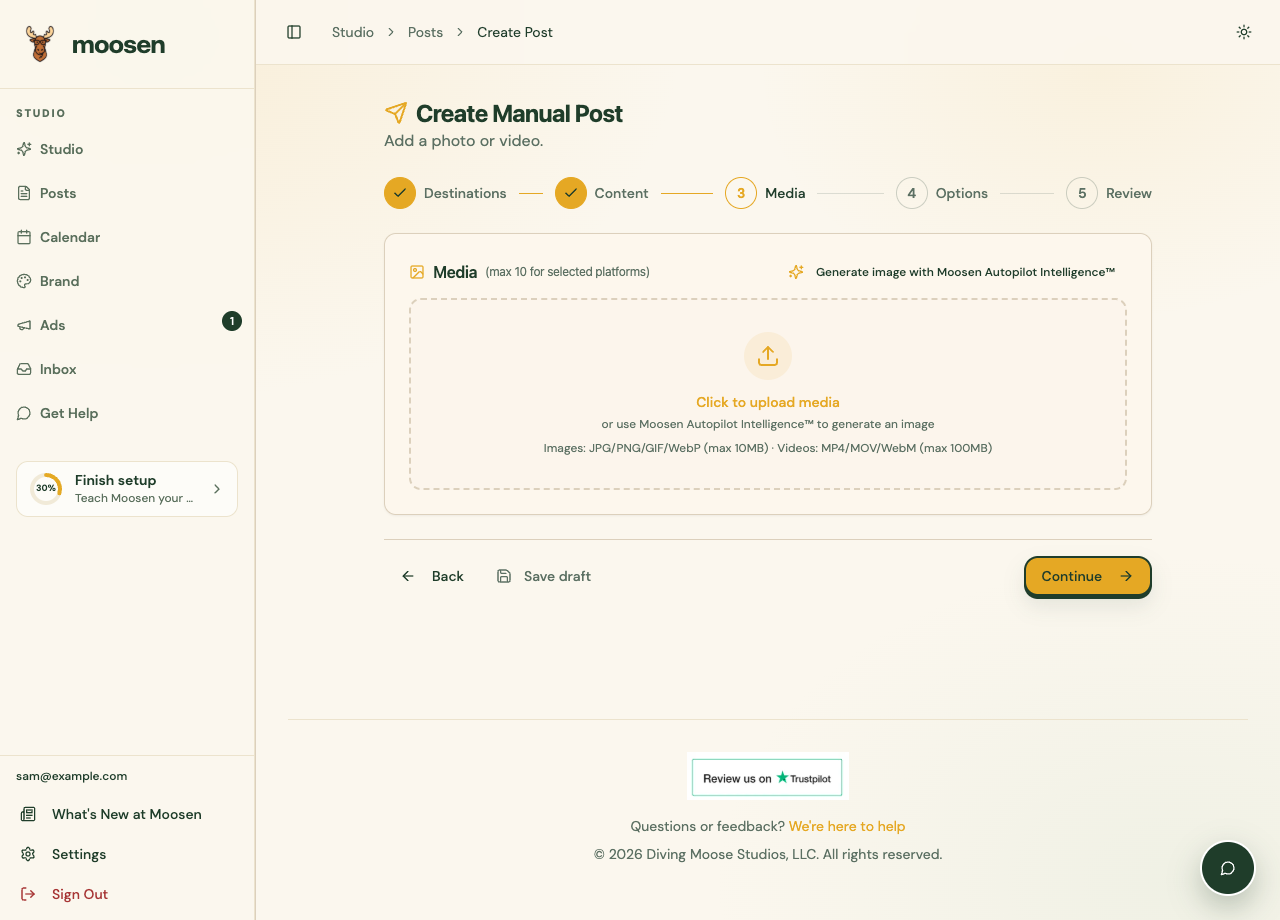 Add media in the composer and inspect it before publishing. Sample data. Select image to enlarge.
Use the file-type, size, and format guidance displayed in the composer. Requirements differ between channels. The brand library has its own image upload rules.
Use Add Media to attach more files when the selected destinations allow it. Use Remove all to clear the selection, or the remove control on a preview to remove one file.
Generate an image#
Write a caption or topic in Content first. In Media, select Generate image with Moosen Autopilot Intelligence™. Wait for the generated preview, then check it against the real product and your intended message. Remove it if you want to use your own photo instead.
Match the format to the channel#
Instagram image posts, carousels, Reels, and Stories use different options. YouTube requires video. Some destinations support several images; others require a different format.
Moosen can crop or size imagery for delivery. Review the preview so labels, faces, and important product details aren't lost.
Keep the image accurate#
Check any generated imagery against the real product. Pay attention to packaging, text, colors, and quantities. Use Refine if an existing draft needs a different image.
Uploading a video doesn't turn an image-only post into a suitable video for every channel. Confirm the selected platform's media requirements and publishing options.