
Open Settings → Subscription & usage to see your plan and usage. Current prices are listed on Moosen's pricing page and in the checkout you use.
Understand the plans#
| Plan | Brands | Generated posts per billing cycle | Social accounts |
|---|---|---|---|
| Solo | 1 | 50 | Unlimited |
| Founder | 1 | Unlimited | Unlimited |
| Multi-Brand | Up to 5 | Unlimited | Unlimited |
Founder and Multi-Brand include customer-review posts, Ads access and Blog publishing. Advertising spend is separate from your Moosen subscription.
Legacy and custom accounts can have different terms. Use the plan details displayed for your account.
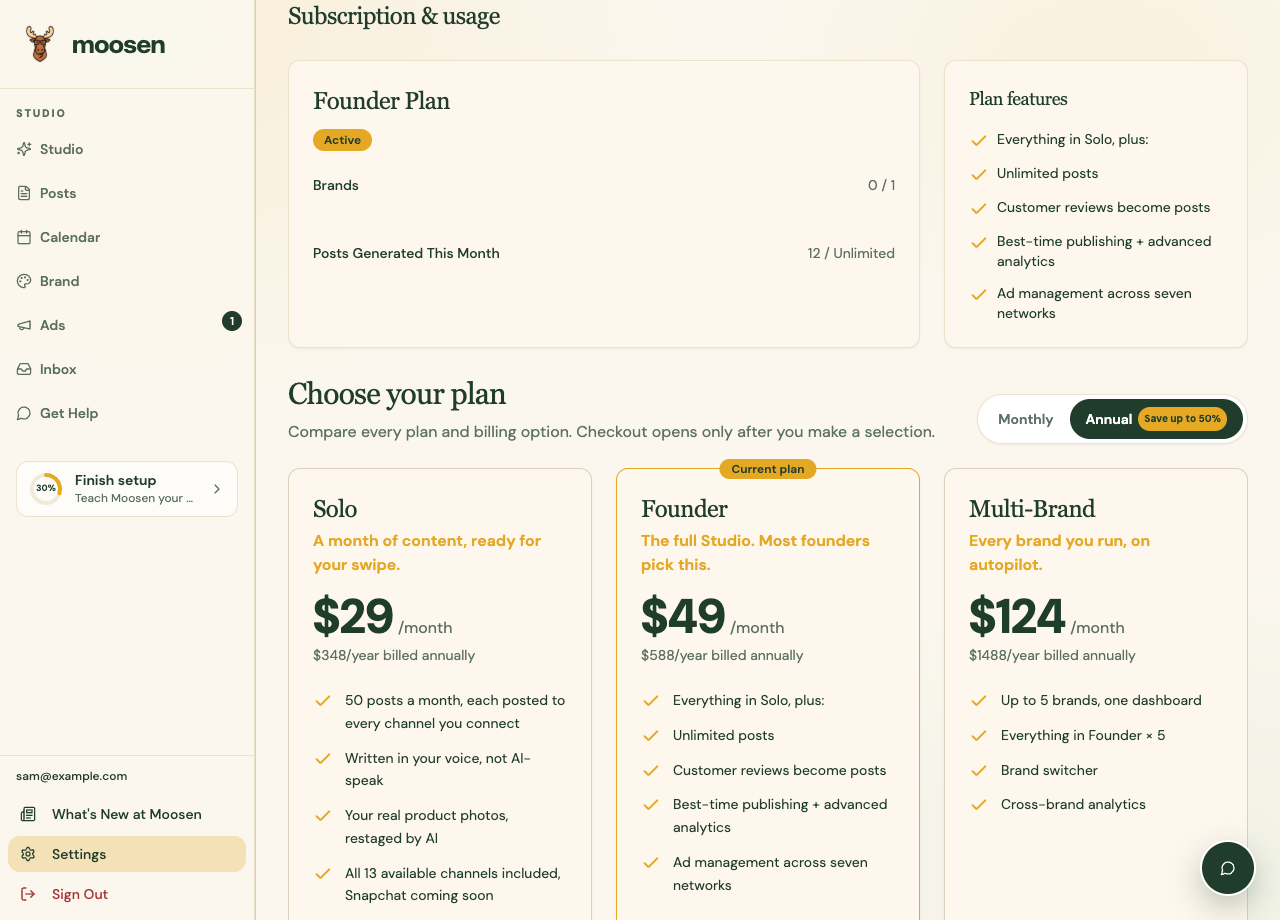 Check your plan and allowance in Subscription & usage. Sample data. Select image to enlarge.
Know what counts#
One generated post counts once even when sent to several selected channels. User-authored manual posts and imported external posts don't use the generated-post allowance.
The free preview has separate lifetime limits.
Change or manage a web subscription#
- Open Settings → Subscription & usage.
- Use the plan-selection control to review another plan, or Manage Subscription for billing management.
- Review the price, billing interval, and any change timing in the billing flow.
- Confirm the change when you're ready.
- Return to Moosen and check the displayed status.
Manage an Apple subscription#
For purchases through Apple, manage the subscription through Apple's subscription settings. Sign in to the same Moosen account when using the app and website.
If an active purchase isn't recognized, use the app's restore-purchases option and then check your account. Contact support if the mismatch continues.
Deleting a Moosen account and managing an Apple subscription are separate steps. Check the subscription before deleting your account.